AI Response Generator
Draft a concise response for a specific relationship and tone.
Sign in required before running this tool.
No Credits are charged until you run the tool.
Describe what AI Response Generator should create.
What is AI Response Generator?
AI Response Generator drafts a reply to a message you received, matched to the relationship and tone you specify — a manager, a client, a friend, a landlord. Paste the message, say who it is from and how you want to come across, and get a concise draft you can edit and send in your own voice.
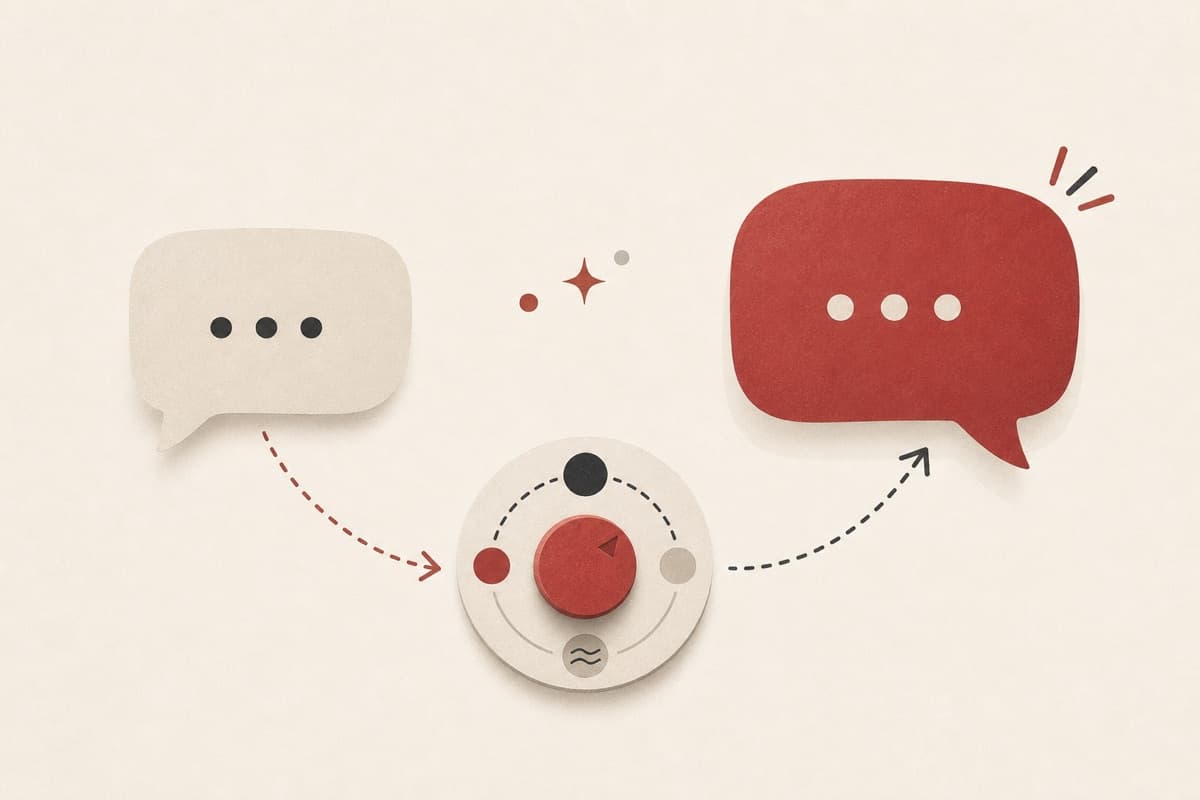
Know what to say, but not how to say it?
Turn an awkward reply you keep postponing into a draft that hits the right tone on the first pass — decline, push back, or follow up without sounding cold.
How to use AI Response Generator
- 1
Paste the message you received
Include the parts you need to respond to; trim the rest.
- 2
Describe the relationship and tone
For example: my manager, warm but firm, declining the request.
- 3
State the response goal
Say whether you need to accept, decline, clarify, apologize, or follow up.
- 4
Edit and send in your voice
Adjust names and specifics, then send it from your own account.
Examples
Declining a request
Reply to a coworker asking me to cover their on-call shift this weekend. I can't do it. Keep it warm and offer to swap another week.
A two-sentence decline that keeps the door open for a future swap.
Use cases
Say no to a request while keeping the relationship intact.
Nudge on an unanswered email without sounding pushy.
Acknowledge criticism calmly instead of replying while annoyed.
Why use AI Response Generator?
Relationship-aware tone
The draft adapts to who you are replying to and what is at stake.
Concise by default
Replies stay short enough to actually send, not essays to trim.
Yours to edit
The result is a starting draft — adjust wording before sending.
Limits
FAQ
Will it send the reply for me?
No. It only drafts text. You copy the draft into your own email or messaging app and send it yourself.
Can I set the tone precisely?
Yes — describe the relationship and the tone you want (formal, warm, firm, apologetic) and the draft follows it.
Should I paste private conversations?
Remove sensitive personal data first. Only include the parts of the message needed to draft a reply.
Can the draft include a concrete next step?
Yes. Include the action, date, or alternative you want to propose so the reply can close with it clearly.
What if the generation fails?
Failed execution is refunded under the published Credit policy.
Related tools
Start using AI Response Generator now
Draft a concise response for a specific relationship and tone.
Generate response