Audio to Text
Turn authorized recordings into readable private transcripts.
Sign in required before running this tool.
No Credits are charged until you run the tool.
Upload an authorized recording to create a private transcript.
What is Audio to Text?
Audio to Text turns authorized recordings into readable private transcripts for meetings, interviews, and voice notes. Upload a clear recording under 25 MB and review the returned text before reuse.
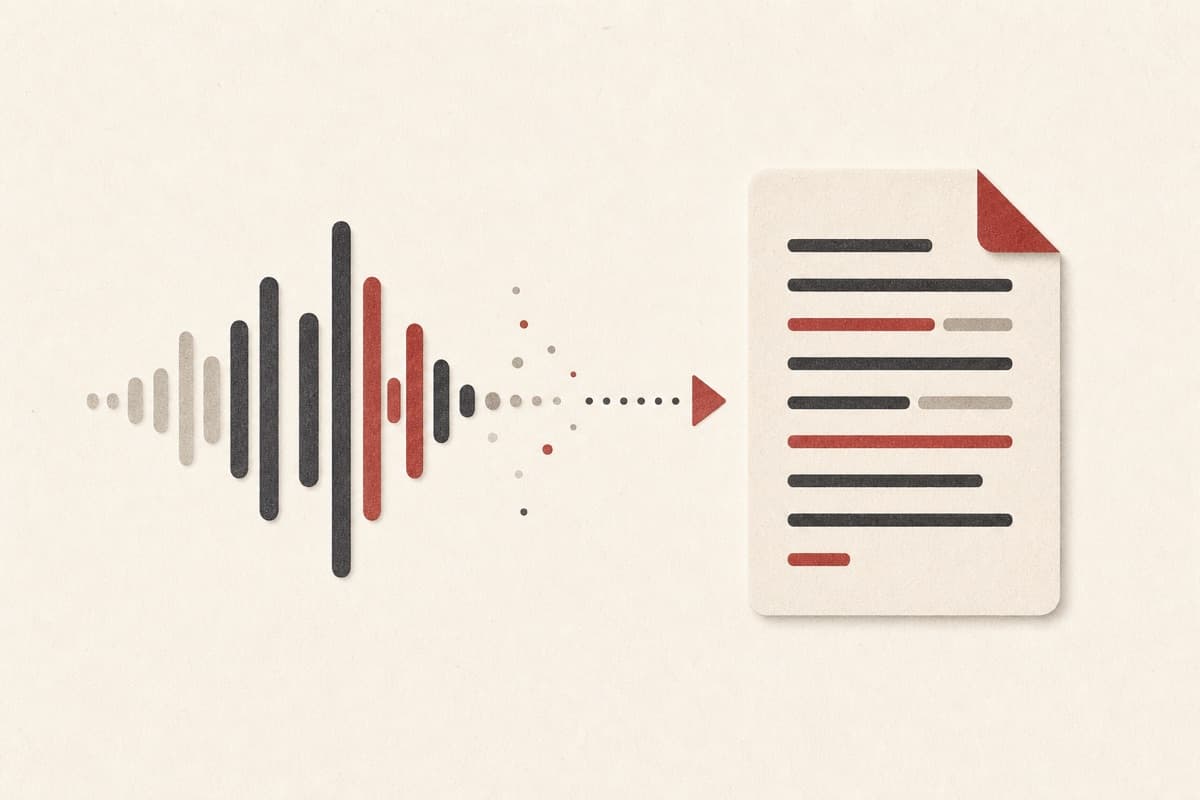
Need notes from audio without replaying every minute?
Turn spoken content into text you can search, review, and reuse without creating a public media asset.
How to use Audio to Text
- 1
Choose a clear recording
Select an audio file no larger than 25 MB or 10 minutes.
- 2
Confirm permission
Only use audio you own or are authorized to transcribe.
- 3
Upload privately
The source stays in private storage and is removed after processing.
- 4
Review and copy
Check the returned text, then copy it into your notes or editor.
Examples
Meeting recap
An 8-minute team meeting with three clearly recorded speakers.
A readable transcript ready for notes, search, and follow-up.
Use cases
Create a transcript draft from an authorized meeting.
Searchable text from a recording with participant consent.
Readable notes from personal recordings.
Why use Audio to Text?
Readable transcripts
Turn clear speech into text you can scan, search, and edit.
Private workspace
Your recordings and transcripts stay with your account.
Clear upload limits
See the file-size and recording-rights requirements before use.
Limits
FAQ
What does Audio to Text create?
It creates a private plain-text transcript from an authorized recording.
Which recordings can I transcribe?
Use clear personal, meeting, and interview recordings you may process.
How large can my audio file be?
Each recording can be up to 25 MB and 10 minutes long.
Do I need permission from everyone recorded?
Follow the consent rules that apply to your recording and location before uploading.
Where is the transcript saved?
The transcript is returned directly in the private tool workspace and is not added to My Media.
Related tools
Start using Audio to Text now
Turn authorized recordings into readable private transcripts.
Transcribe audio