ChatPDF
Ask grounded questions of a citation-ready text-layer PDF with source chips and no-context no-charge protection.
Sign in required before running this tool.
No Credits are charged until you run the tool.
Ask a question that can be answered from the selected PDF.
What is ChatPDF?
ChatPDF answers focused questions from citation-ready snippets in one processed text-layer PDF and attaches source chips to supported statements. Select a READY or DEGRADED document within your plan limits, ask a question the file can answer, and follow the cited passages back to the page. It is built for grounded document navigation, with no generic answer or Q&A charge when usable support is missing.
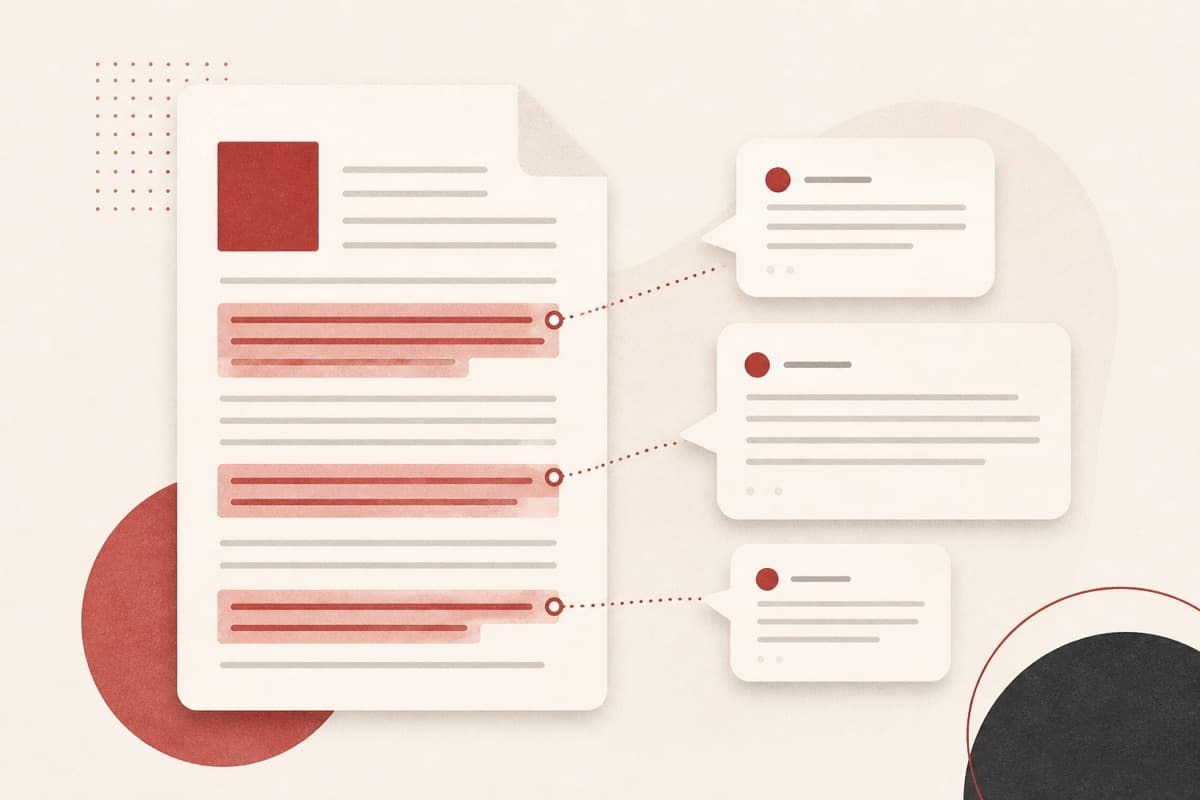
The answer is in the PDF, but where?
Manually scanning a long report or policy for one fact wastes time and makes verification awkward. ChatPDF retrieves bounded supporting snippets first, then gives a concise answer with source chips so you can inspect the document evidence directly.
How to use ChatPDF
- 1
Select a ready PDF
Use a text-layer PDF that finished processing.
- 2
Ask a focused question
Query something the document can actually answer.
- 3
Review the grounded answer
Every answer cites source chips from the PDF.
- 4
Follow up as needed
Ask the next question; unsupported queries are not charged.
Examples
Ask about source citations
What does this PDF say about citation metadata?
A grounded answer with source chips for the supporting PDF snippets.
Use cases
Ask chapter-level questions instead of rereading everything.
Confirm what a document actually says with cited snippets.
Find the relevant clause without manual scanning.
Why use ChatPDF?
Grounded answers with source chips
The tool retrieves citation-ready passages before composing an answer. Each supported response points back to snippets from the selected PDF.
No context, no Q&A charge
When the file does not contain usable support, ChatPDF returns no-support copy instead of a generic answer. Q&A Credits do not settle in that case.
Explicit PDF boundaries
Free plans support up to 10 MB and 50 pages, while Pro supports up to 20 MB and 200 pages. Scanned-only, password-protected, multi-file, and unsupported document states are excluded.
Limits
FAQ
Are scanned PDFs supported?
No. The preview accepts text-layer PDFs only. Scanned or OCR-only files fail before Credits are charged.
When are Credits charged?
Credits settle only when retrieval finds usable support and a grounded answer completes. If no support is found in the file, no Q&A Credits are charged.
Can it answer from unsupported files?
No. ChatPDF requires a READY or DEGRADED citation-capable text-layer PDF before it accepts a question.
What PDF size can I use?
Free supports up to 10 MB and 50 pages; Pro supports up to 20 MB and 200 pages.
How can I verify an answer?
Open the attached source chips and compare the cited snippets with their surrounding PDF pages.
Related tools
Start using ChatPDF now
Ask grounded questions of a citation-ready text-layer PDF with source chips and no-context no-charge protection.
Ask document