AI Paraphraser
Rewrite text for clarity, tone, and readability while preserving meaning.
Run status
Guest execution is limited to one successful low-cost text run for AI Paraphraser.
Example result
A clearer version that keeps the original meaning.
What is AI Paraphraser?
AI Paraphraser reshapes short passages for clearer wording, a chosen style, and a selected rewrite strength while aiming to retain the original intent. Paste up to 2,000 characters, choose Standard, Simplify, or Fluent, and review the rewrite before using it. It suits anyone refining work notes, support replies, or concise marketing copy.
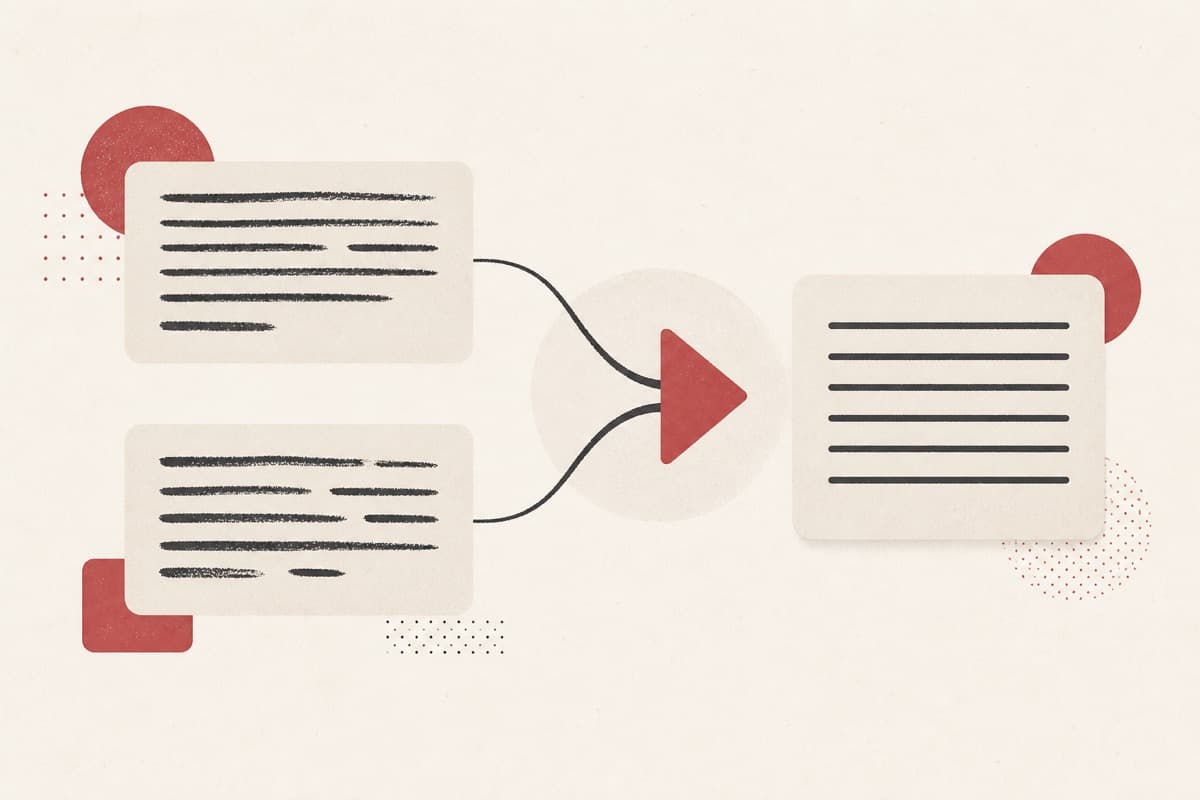
Rewriting the same paragraph again and again?
Finding clearer wording can take several passes, especially when the meaning must stay stable. AI Paraphraser gives you a focused rewrite based on the mode and strength you select, leaving the final accuracy check in your hands.
How to use AI Paraphraser
- 1
Paste your text
Add the sentences or paragraph you want to rewrite, up to 2,000 characters.
- 2
Pick a mode and strength
Choose Standard, Simplify, or Fluent, then set how much the wording should change.
- 3
Run the paraphraser
Guests can preview one eligible text run; sign in to keep going with Credits.
- 4
Review and copy the result
Confirm the meaning stayed intact, then copy the rewrite into your document.
Examples
Clarify product copy
Make this launch update easier to scan.
A clearer version that keeps the original meaning.
Use cases
Rewrite launch notes and status updates so they are easier to scan.
Turn long technical sentences into plain language for a wider audience.
Refresh support replies or marketing lines without changing their meaning.
Why use AI Paraphraser?
Meaning-aware rewrite controls
Choose Standard, Simplify, or Fluent and set the rewrite strength. These controls help you decide whether the text needs a light polish or a more noticeable rewording.
A guest preview before sign-in
One eligible text run is available before login. Sign in for additional uses with the published Credit policy.
Clear boundaries and charges
The page publishes the 2,000-character preview limit and safety guidance. Failed execution is refundable, so Credits settle according to the stated policy.
Limits
FAQ
Does paraphrasing change the meaning?
The tool is configured to preserve intent while improving wording.
How much text can I paraphrase at once?
The preview accepts up to 2,000 characters in a single request.
Can I try AI Paraphraser before signing in?
Yes. One eligible text run is available as a guest; additional uses require sign-in and Credits.
What should I check in the rewrite?
Compare it with the original for meaning, names, figures, and important terminology before reuse.
What happens to Credits if execution fails?
The tool's Credit policy marks failed execution as refundable.
Related tools
Start using AI Paraphraser now
Rewrite text for clarity, tone, and readability while preserving meaning.
Run paraphraser