Image-to-Video Beta
Animate one saved My Media image into one short beta video with the same bounded video limits.
Sign in required before running this tool.
No Credits are charged until you run the tool.
Select one eligible saved image from My Media before submitting.
Describe one short video to generate.
What is Image-to-Video Beta?
Image-to-Video Beta animates one saved PNG, JPEG, or WebP image into one five-second 720p clip in 16:9 or 9:16. Select an eligible My Media asset, describe a simple motion, start the asynchronous job, and review the linked clip after the usual two-to-five-minute wait. The beta has a 367-Credit cap and excludes multiple references, start-and-end frames, timelines, character video, and advanced motion controls.
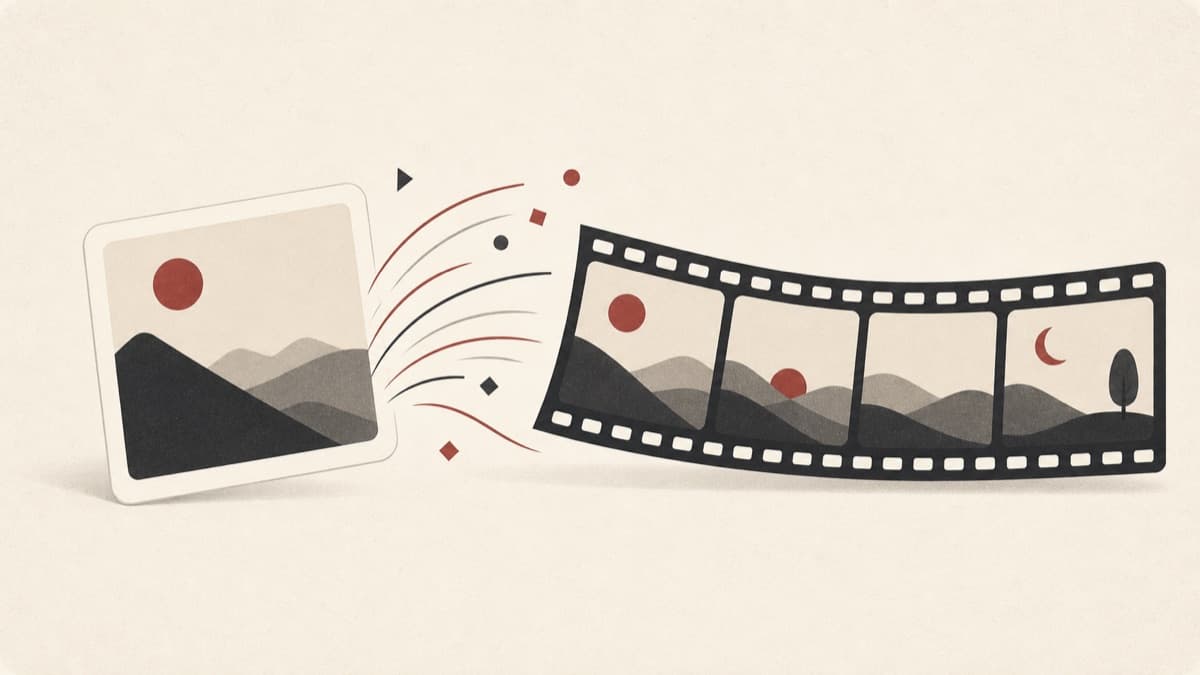
Your strongest still image needs just a little motion.
Creating a complete video can be excessive when the goal is a short animated variation. Image-to-Video Beta keeps the source relationship intact in My Media and applies one bounded motion direction to a single saved image.
How to use Image-to-Video Beta
- 1
Pick one saved image
Choose an eligible PNG, JPEG, or WebP from My Media.
- 2
Describe gentle motion
Explain how the still should move over five seconds.
- 3
Choose the aspect ratio
Match 16:9 or 9:16 to where the clip will be shown.
- 4
Start the job and review
The clip links back to its parent image in My Media.
Examples
Saved image animation
Choose one My Media image and describe a gentle five second motion.
One 5 second 720p video job with parent image linkage in My Media.
Use cases
Add subtle motion to existing catalog photography.
Turn a static visual into a short attention-holding clip.
Compare how different movements feel using one source image.
Why use Image-to-Video Beta?
One saved image, one short clip
The source must be one eligible image already in My Media. The finished five-second clip links back to that parent asset for easier review.
Recoverable beta jobs
Rendering usually takes two to five minutes and supports cancellation while active. Up to two video jobs may be active for an account at once.
Pre-charge source validation
A missing or unavailable image blocks submission before any Credit reservation. Paid use remains gated by Video Gate evidence, with a 367-Credit cap and refund-on-failure policy.
Limits
FAQ
Can I use multiple reference images or a start and end frame?
No. Image-to-Video Beta accepts one saved image only. Multi-reference, start/end frame, camera timeline, and character video controls are outside this beta.
What happens if the image is deleted or unavailable?
The video cannot start when its source image is missing, so no Credits are charged.
Which source images are eligible?
Choose one saved PNG, JPEG, or WebP image from My Media.
What video is created?
The beta targets one five-second 720p clip in 16:9 or 9:16.
Can I cancel while it renders?
Yes. You can cancel while video generation is in progress, and find completed work in My Media.
Related tools
Start using Image-to-Video Beta now
Animate one saved My Media image into one short beta video with the same bounded video limits.