Voice Generator
Create clear private narration with an approved synthetic voice.
Sign in required before running this tool.
No Credits are charged until you run the tool.
Enter up to 5,000 characters for an approved synthetic narrator.
Choose from the server-approved non-person voice list.
What is Voice Generator?
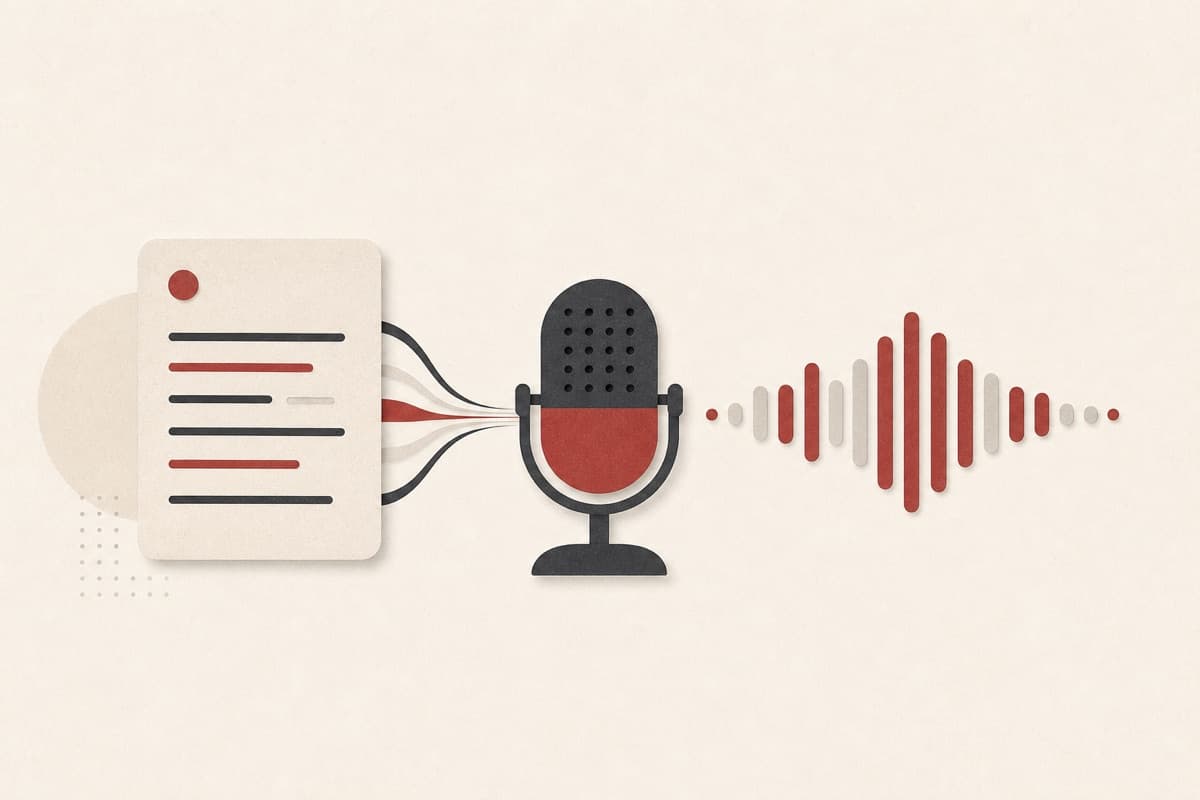
Voice Generator turns text into clear private synthetic narration for product demos, accessibility drafts, and language practice. Choose from a small approved voice list and save the result to My Media.
Need narration before you can book a voice artist?
Create a quick narration draft from an approved synthetic voice without accepting real-person voice IDs.
How to use Voice Generator
- 1
Write the script
Enter up to 5,000 characters with punctuation that guides the pace.
- 2
Choose a synthetic voice
Select one approved narrator without supplying a custom voice ID.
- 3
Choose MP3 or WAV
Pick the file format that fits your editing workflow.
- 4
Review and disclose
Preview the saved file and label synthetic narration when context requires.
Examples
Product walkthrough
A short welcome script for a new app feature.
Clear synthetic narration ready to add to a walkthrough.
Use cases
Create a neutral reading voice for text you may use.
Temporary synthetic narration for an early product demo.
Clearly synthetic pronunciation examples.
Why use Voice Generator?
Synthetic voice styles
Choose a delivery that fits narration without copying an individual.
Script-first control
Shape pace and emphasis through concise, well-punctuated text.
Responsible disclosure
Built for narration that is clearly identified when needed.
Limits
FAQ
What does Voice Generator create?
It creates a private MP3 or WAV narration file from your written script.
What can I create with it?
Use it for narration, prototypes, accessibility drafts, and language practice.
Can I copy a person's voice?
No. Real-person imitation is not part of this tool.
Will listeners know the voice is synthetic?
You should clearly label synthetic narration whenever the context could be confusing.
Where is generated narration saved?
Completed audio is saved privately to My Media for preview and download.
Related tools
Start using Voice Generator now
Create clear private narration with an approved synthetic voice.
Generate voice