Vocal Remover
Separate vocals and instrumentals from authorized private recordings.
Sign in required before running this tool.
No Credits are charged until you run the tool.
Upload an authorized recording for private vocal separation.
What is Vocal Remover?
Vocal Remover separates an authorized recording into private vocal and instrumental files for practice, remix preparation, and restoration work.
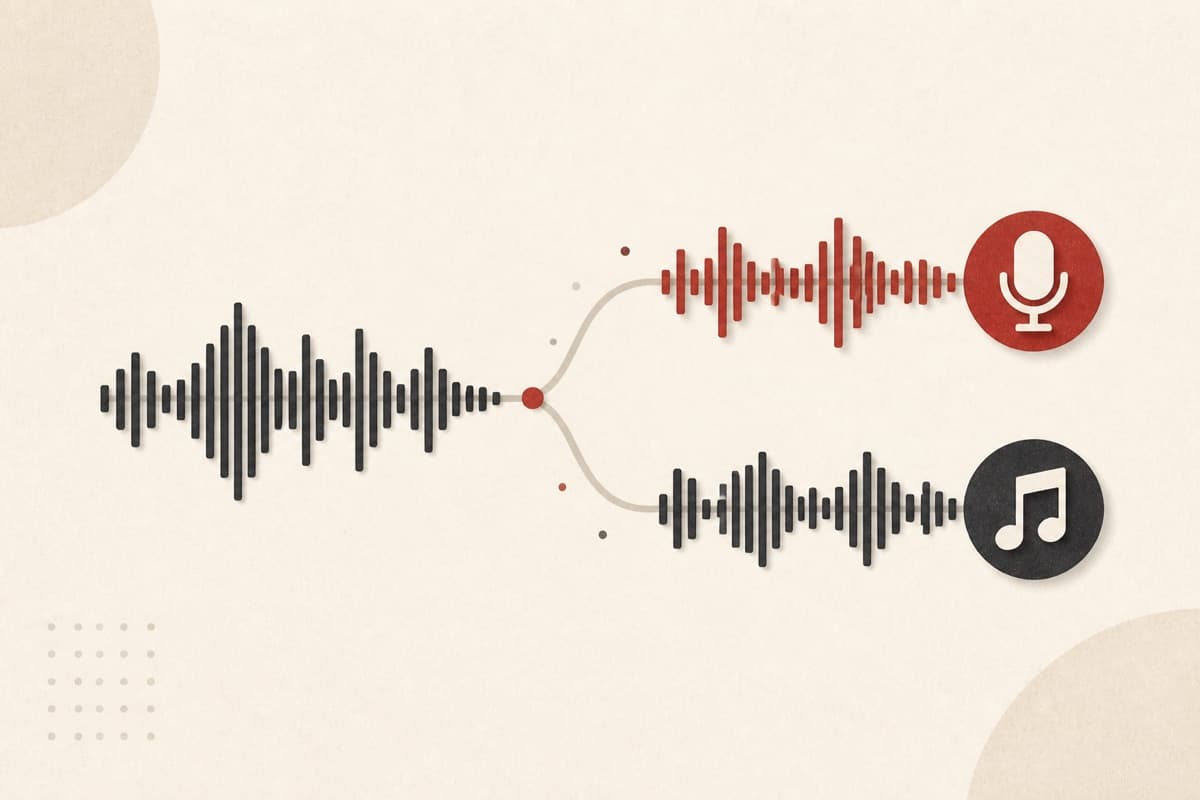
Need the instrumental without rebuilding the whole track?
Split authorized music into practical files you can inspect and edit.
How to use Vocal Remover
- 1
Upload authorized audio
Choose a clean recording you own or have permission to process.
- 2
Choose an authorized recording
Prepare music you own or have permission to edit.
- 3
Use the cleanest source
A clear, high-quality recording can produce better separation.
- 4
Check both files
Listen for artifacts before using the vocals or instrumental in a project.
Examples
Practice backing track
An authorized song recording with vocals over a clear instrumental mix.
Separate vocal and instrumental files for practice and editing.
Use cases
Future stems from music cleared for editing.
An instrumental study track from owned material.
Careful source separation on rights-cleared recordings.
Why use Vocal Remover?
Two useful files
Receive vocals and instrumentals separately for flexible editing.
Quality-aware guidance
Know up front that complex mixes may leave audible artifacts.
Rights-first use
The workflow is intended for music you may legally process.
Limits
FAQ
How does Vocal Remover process audio?
It privately separates an authorized recording using the server-approved region route.
What files will it create?
The Beta workflow creates one vocal file and one instrumental file.
Will separation be perfect?
No separation is perfect; dense mixes and overlapping frequencies can leave artifacts.
Can I use any song?
Only use recordings you own or are authorized to process.
Can I choose the processing region?
No. The server selects the compliant route and does not expose a region override.
Related tools
Start using Vocal Remover now
Separate vocals and instrumentals from authorized private recordings.
Separate vocals