PDF Summarizer
Summarize a citation-ready text-layer PDF into concise sections with source snippets.
Sign in required before running this tool.
No Credits are charged until you run the tool.
What is PDF Summarizer?
PDF Summarizer creates a concise, sectioned digest from citation-ready snippets in one processed text-layer PDF. Choose a READY or DEGRADED file within your plan limits, run the summary, and verify key points through the cited page references. It helps readers triage reports, prepare study notes, and share grounded briefings without inventing content when document support is unavailable.
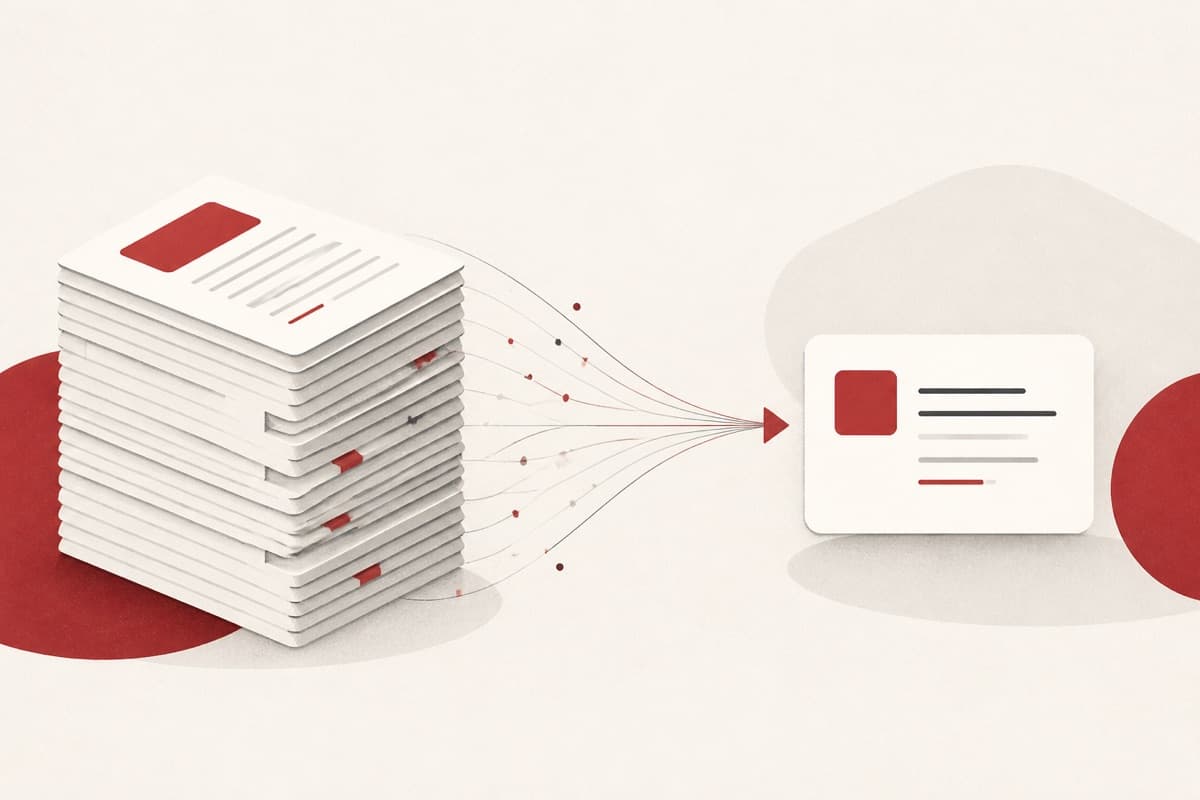
A long PDF should not hide its key points.
Reading every page before deciding whether a document matters can delay work. PDF Summarizer organizes retrieved evidence into a summary, key points, and sources, giving you a verifiable first pass rather than an unsupported shortcut.
How to use PDF Summarizer
- 1
Select a ready PDF
Choose a processed text-layer PDF within your plan's limits.
- 2
Run the summary
The tool reads citation-ready snippets before writing anything.
- 3
Review sections and sources
Check the summary, key points, and cited page references.
Examples
Summarize a report
Choose a ready PDF and generate a concise summary.
Summary, key points, and cited source snippets from the PDF.
Use cases
Decide which documents need a full read from a grounded digest.
Compress course PDFs into key points with page references.
Give teammates the essentials of a long PDF with citations.
Why use PDF Summarizer?
Citation-backed sections
The result separates the main summary, key points, and supporting sources. Page references help you return to the original context.
Grounding before generation
The tool requires bounded citation-ready snippets before it creates a summary. If usable context is missing, it stops and does not charge document Credits.
Plan-specific PDF limits
Free plans accept text-layer PDFs up to 10 MB and 50 pages, while Pro accepts up to 20 MB and 200 pages. OCR for scanned-only files is not available.
Limits
FAQ
Does PDF Summarizer answer without document support?
No. It runs only when citation-ready snippets are available; otherwise no document Credits are charged.
Does it support scanned PDFs?
No. Text-layer PDFs are required; OCR is not available.
What sections are included?
The result contains a concise summary, key points, and supporting sources.
What are the PDF limits?
Free supports up to 10 MB and 50 pages; Pro supports up to 20 MB and 200 pages.
When do document Credits settle?
They settle only after a grounded summary. Missing support stops the request without a document charge.
Related tools
Start using PDF Summarizer now
Summarize a citation-ready text-layer PDF into concise sections with source snippets.
Summarize PDF