AI Summarizer
Condense text into a concise summary for faster review.
Run status
Guest execution is limited to one successful low-cost text run for AI Summarizer.
Example result
A compact summary with the core points.
What is AI Summarizer?
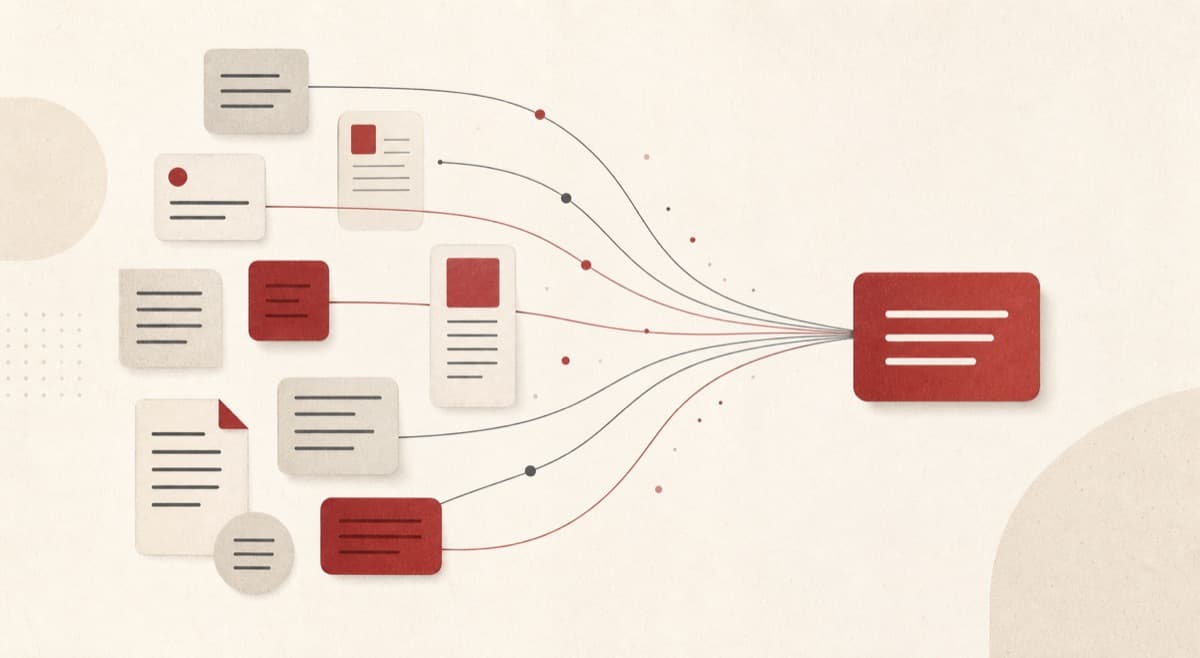
AI Summarizer reduces a short source passage to its central ideas in a chosen length and layout. Paste up to 2,000 characters, select Short or Detailed, choose bullets or paragraph form, and compare the digest with the original. It helps students, teammates, and busy readers decide what deserves closer attention without claiming to capture every nuance.
Need the essentials before you can read every line?
Reports, notes, and reading material often arrive faster than they can be reviewed. AI Summarizer creates a bounded first-pass digest that highlights core points, while keeping source verification part of the workflow.
How to use AI Summarizer
- 1
Add the text
Paste up to 2,000 characters you want condensed.
- 2
Set the length
Short returns the essentials; Detailed keeps supporting points.
- 3
Pick bullets or paragraph
Match the format to where the summary will be used.
- 4
Check the result
Verify the summary reflects the source before sharing it.
Examples
Summarize notes
Paste a meeting note or article excerpt.
A compact summary with the core points.
Use cases
Turn a long document excerpt into a scannable update.
Compress reading material into revision-friendly points.
Decide which sections deserve a full read from a quick digest.
Why use AI Summarizer?
Two levels of coverage
Short focuses on the essentials, while Detailed retains more supporting points. You can select the level that fits your available reading time.
A format for scanning or reading
Choose bullets when you need a checklist-like digest or a paragraph for connected prose. Always compare important claims with the supplied source text.
Guest access with clear limits
One eligible text run is available before sign-in and accepts up to 2,000 characters. Further uses apply Credits under the visible refund-on-failure policy.
Limits
FAQ
Does summarizer store my text?
The public page shows only shared tool details.
Can I choose bullets or a paragraph?
Yes. Both formats are available alongside Short and Detailed length settings.
What is the maximum source length?
The preview accepts up to 2,000 characters.
Can guests use AI Summarizer?
Yes. One eligible text run is available before sign-in; later uses require Credits.
How should I validate the digest?
Compare important claims, dates, and action items with the supplied source before sharing it.
Related tools
Start using AI Summarizer now
Condense text into a concise summary for faster review.
Summarize text