Humanizer
Make text sound natural and readable without hidden detector bypass claims.
Sign in required before running this tool.
No Credits are charged until you run the tool.
Paste the text to transform.
What is Humanizer?
Humanizer refines short passages that feel stiff or mechanical into more natural, readable language while keeping the intended message in view. Add up to 2,000 characters, select a clear, friendly, or formal tone, and choose the rewrite strength. It is a beta writing aid for polishing drafts, not a way to evade detection systems.
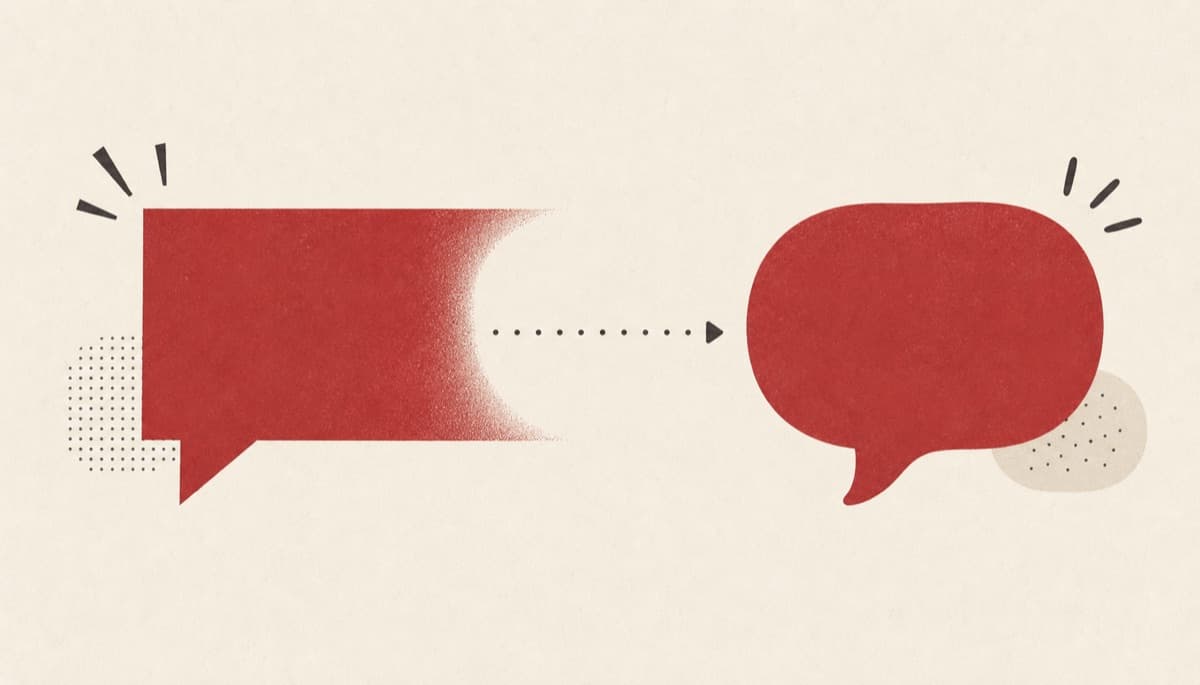
Does your draft sound more formal than you intended?
Awkward phrasing can make a useful message feel distant or hard to follow. Humanizer offers a tone-guided rewrite that you can compare with the original, while making no claim that the text will bypass a detector.
How to use Humanizer
- 1
Paste the text
Add the stiff or robotic-sounding text you want to improve.
- 2
Choose a tone and strength
Pick Clear, Friendly, or Formal and set how far the rewrite should go.
- 3
Sign in and run it
Execution requires sign-in; Credits settle only after a usable result.
- 4
Compare with the original
Check that the more natural version still says exactly what you meant.
Examples
Natural support reply
Convert a stiff support reply into a natural, clear response.
A more natural version that keeps the same meaning.
Use cases
Turn terse answers into warm, natural responses that keep the same facts.
Smooth awkward phrasing in notes before sharing them with a team.
Rework formal updates into language that reads naturally aloud.
Why use Humanizer?
Natural tone controls
Choose Clear, Friendly, or Formal and set how far the wording should change. The tool focuses on readability and tone while you remain responsible for checking the meaning.
Honest detector boundary
Humanizer does not promise detector evasion or guaranteed classification changes. Its scope is limited to improving how the writing reads.
Usable-result Credit settlement
Sign-in is required before execution, and the estimated cost is published on the page. Credits settle only after a usable result, with failures covered by the refund policy.
Limits
FAQ
Does this bypass AI detectors?
No. It improves readability and tone without making hidden detector bypass claims.
Do I need to sign in to use Humanizer?
Yes. Execution requires sign-in and has an estimated cost of 6 Credits.
How much text can I add?
The shared text limit is 2,000 characters per request.
Can Humanizer preserve every detail automatically?
It aims to retain meaning, but you should compare the rewrite with the original and correct any changed nuance.
When do Credits settle?
Credits settle only after a usable result. Failed execution is covered by the refund policy.
Related tools
Start using Humanizer now
Make text sound natural and readable without hidden detector bypass claims.
Run humanizer