Convert a Photo to Balanced Black and White
Convert one authorized photo into a balanced black-and-white image. Optional tonal guidance can favor softer midtones, neutral contrast, or stronger highlight and shadow separation while scene content stays protected.
Sign in required before running this tool.
No Credits are charged until you run the tool.
Optionally request soft, neutral, or higher-contrast monochrome tones and name the highlights, midtones, or shadows that need care.
What is Black and White Photo?
Black and White Photo maps the source colors into monochrome tone and contrast instead of restoring or inventing image content. Use optional instructions to favor soft midtones, neutral tonal balance, or stronger separation between highlights and shadows. The private source keeps its scene, recognizable identity, composition, texture, text, and ownership marks, and the result remains one monochrome raster rather than editable color channels.
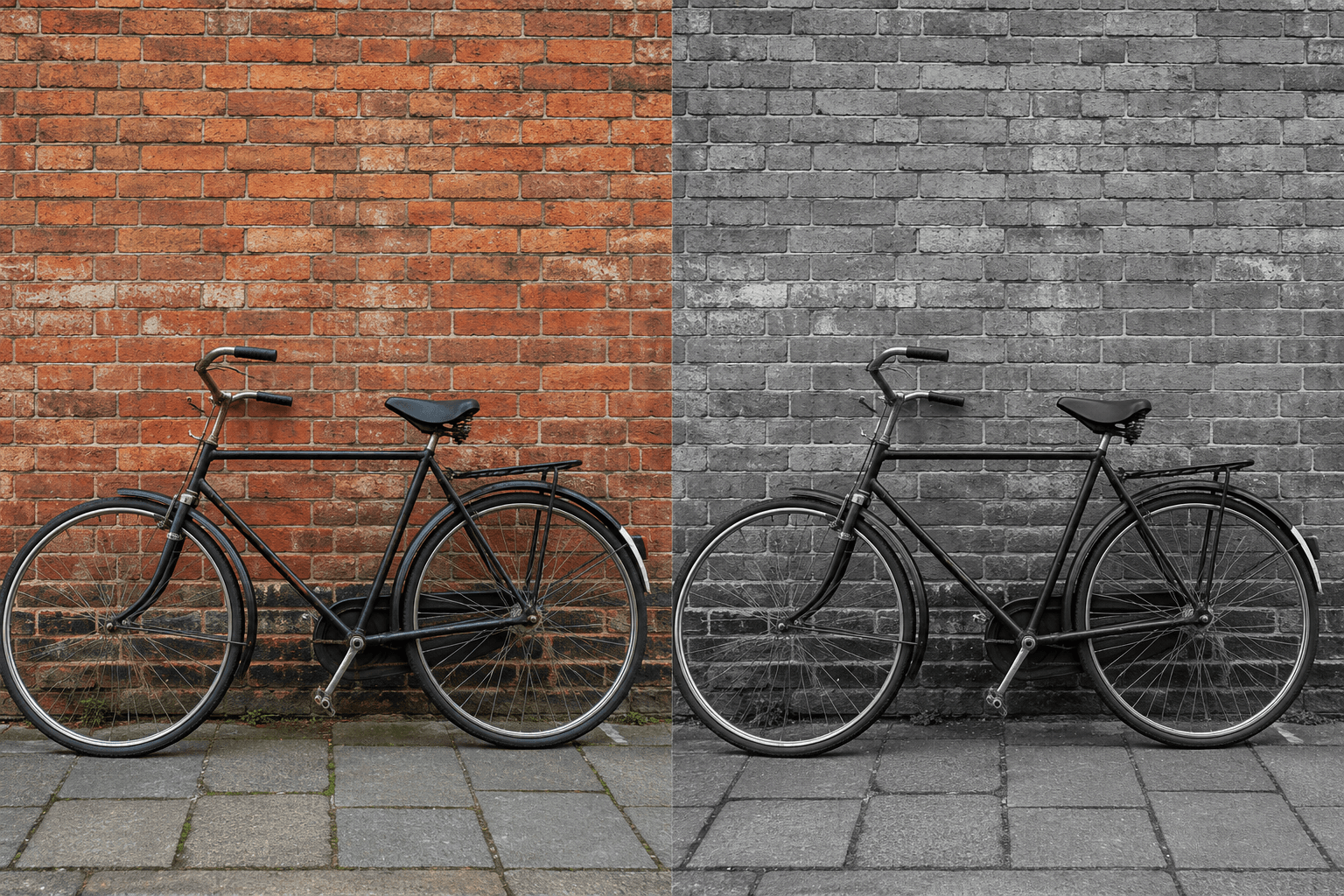
Do important details collapse in a simple grayscale conversion?
Guide the tonal balance so faces, signs, textures, highlights, and shadows remain readable without changing the source scene.
How to use Black and White Photo
- 1
Choose one authorized photograph
Upload one private PNG, JPEG, or WebP whose people, text, textures, marks, and composition should remain intact.
- 2
Identify the important tonal detail
Note which faces, signs, textures, highlights, midtones, or shadow areas must remain readable after conversion.
- 3
Describe the monochrome balance
Optionally request soft, neutral, or stronger contrast in 4 to 2,000 characters without asking for scene changes.
- 4
Run the bounded tonal conversion
Start the edit knowing that only color-to-monochrome tone and contrast may change in the protected source scene.
- 5
Inspect highlights, shadows, and identity
Review tonal separation, text, facial identity, texture, composition, and ownership marks before downloading or reusing the private result.
Examples
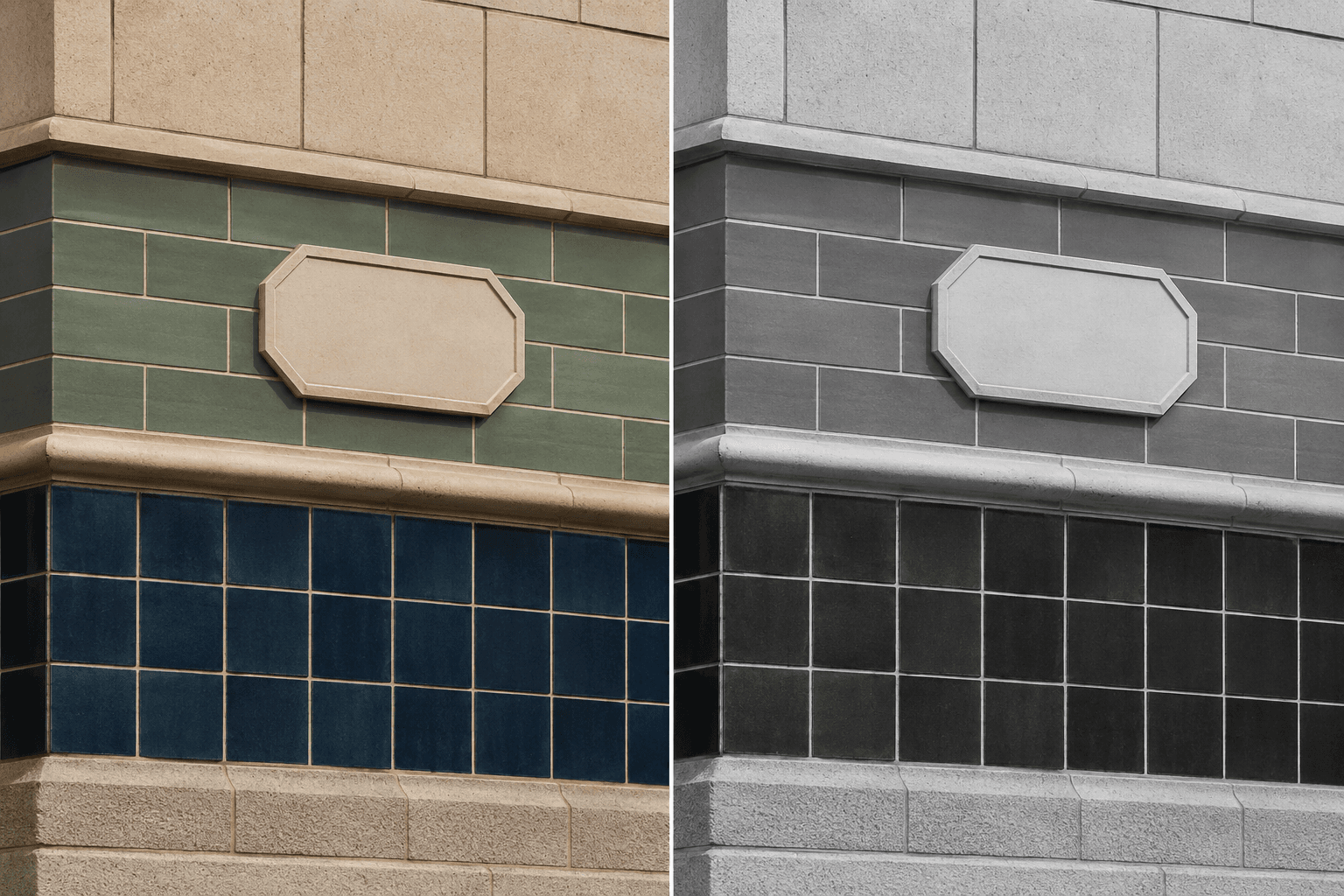
Tiled facade study
Use balanced monochrome tones with distinguishable tile regions; preserve grout lines, straight edges, plaque shape, highlights, shadows, and the original crop.
One private monochrome raster with the tiled architectural geometry and small details preserved.
Use cases
Compare a balanced black-and-white treatment while preserving the photographed scene.
Prepare a monochrome viewing copy without claiming restoration or historical color evidence.
Evaluate midtone, highlight, and shadow balance before a separate final grading workflow.
Why use Black and White Photo?
Optional tonal guidance
Describe soft, neutral, or stronger monochrome balance with attention to key tonal ranges.
Identity and detail preservation
Recognizable people, scene texture, text, composition, and ownership marks remain protected.
No restoration or recoloring claim
The task converts existing color to monochrome without repairing damage or estimating missing colors.
Private monochrome raster
A successful edit is saved to My Media as one private PNG raster with source lineage.
Limits
FAQ
What does the black-and-white conversion change?
The source colors may be mapped into monochrome tones and contrast. Scene content, recognizable identity, composition, texture, text, and ownership marks must remain preserved throughout the conversion.
Can I control midtones, highlights, and shadows?
Yes. Optional details can request softer midtones, neutral contrast, or stronger separation between highlights and shadows. Those instructions cannot authorize scene changes, new details, or removal of existing marks.
Is this different from photo restoration or colorization?
Yes. This is not a photo restoration and it does not estimate historical colors. It converts the existing source to monochrome without repairing damage, adding missing content, or inventing factual detail.
Will faces, signs, and image texture stay recognizable?
They must remain preserved as source content. Review fine texture, readable text, facial identity, and highlight or shadow detail before reusing the completed image, especially when requesting stronger contrast.
Does the result include editable grayscale channels?
No. The output is one flattened monochrome raster image. It is not a layered document, editable channel setup, vector file, restoration master, or promise of lossless tonal reconstruction.
Which files and image sizes are supported?
Choose one authorized PNG, JPEG, or WebP up to 20 MB. The source must be between 64 and 4096 pixels on each side, and each run accepts only one photo.
How are the source and monochrome result handled?
The source remains a private image for the signed-in run. A successful PNG result is saved privately to My Media; when no usable result is saved, the existing Credit release or refund policy applies.
Related tools
Start using Black and White Photo now
Convert one authorized photo into a balanced black-and-white image. Optional tonal guidance can favor softer midtones, neutral contrast, or stronger highlight and shadow separation while scene content stays protected.
Run Black and White Photo