Image Relight
Adjust lighting while preserving identity, composition, and objects.
Sign in required before running this tool.
No Credits are charged until you run the tool.
Describe the local change while the fixed service rules remain in force.
What is Image Relight?
Image Relight adjusts the lighting of a photo — warmer, cooler, softer, more dramatic — while preserving identity, composition, and every object in the scene. It fixes the light you got without changing what you shot.
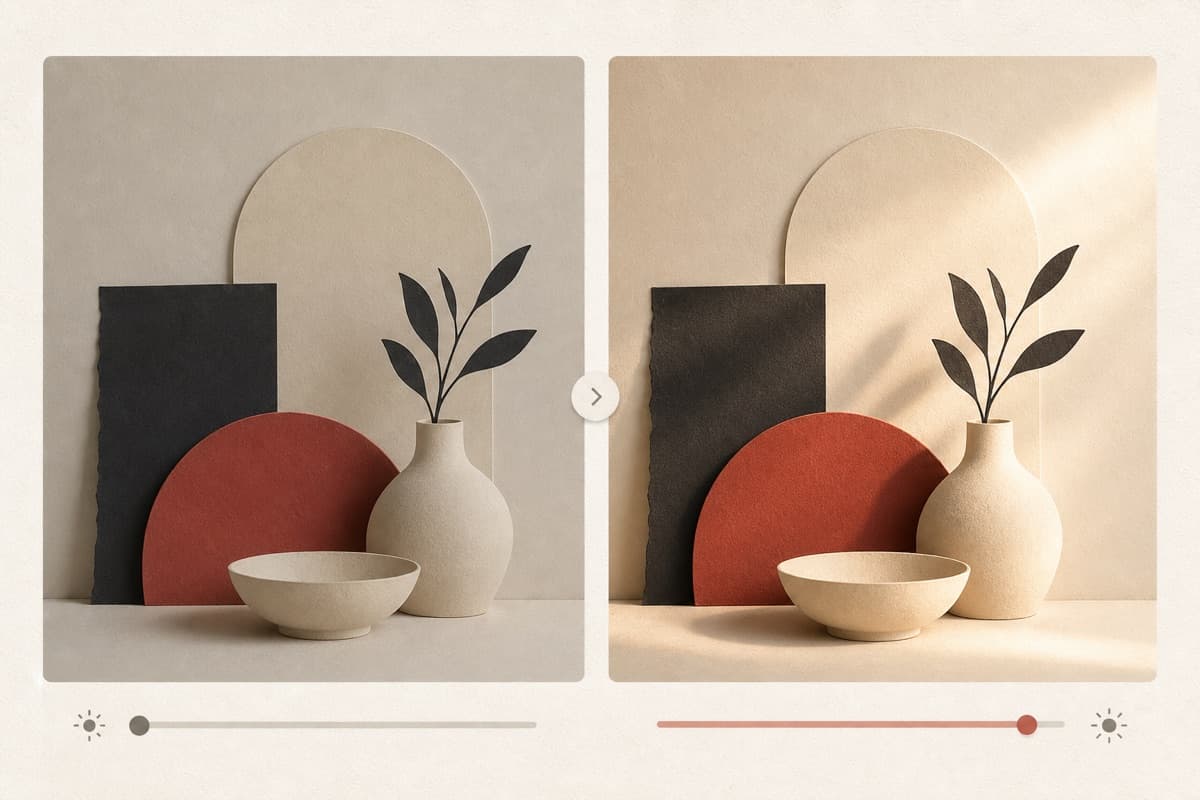
Great moment, flat light?
Add warmth or drama to the exposure you captured — without moving a single object or re-shooting the scene.
How to use Image Relight
- 1
Choose the scene to relight
Select a permitted image with enough visible detail in highlights and shadows.
- 2
Describe the desired light
Specify direction, softness, temperature, and intensity while keeping objects fixed.
- 3
Apply lighting only
Run the governed edit with identity, composition, and scene content preserved.
- 4
Inspect faces and shadows
Check skin tone, object color, light direction, and shadow consistency.
Examples
Portrait warm-up
Relight with soft warm side lighting, keep everything in place.
Same portrait with warm directional light and preserved detail.
Use cases
Lift cold indoor lighting to something flattering.
Match product shots to a campaign's lighting style.
Give midday photos evening warmth.
Why use Image Relight?
Fixed service policy
Adjust lighting while preserving identity, composition, and objects.
Private media storage
Successful images are saved to My Media.
Failure release
Reserved Credits are released when no usable image is saved.
Limits
FAQ
Will relighting change how the person looks?
Lighting changes, identity does not — the rules require preserving faces, features, and scene content while adjusting illumination.
Can I ask for golden-hour lighting?
Yes. Describe warm, low-angle light and its direction while keeping the scene and subject unchanged.
Does relighting replace color correction?
No. Relighting changes illumination deliberately; color correction removes technical casts and exposure problems.
What does Image Relight preserve?
The service is instructed to preserve the original region and unrelated scene content.
Can edit details replace the service rules?
No. User-supplied details remain subordinate to fixed safety and preservation rules.
Where is the edited image stored?
A successful image is stored privately in My Media for the signed-in account.
What happens when editing fails?
Reserved Credits are released when no usable image is saved.
Related tools
Start using Image Relight now
Adjust lighting while preserving identity, composition, and objects.
Edit image