Text Remover
Remove visible text selected by the user and reconstruct only the local background.
Sign in required before running this tool.
No Credits are charged until you run the tool.
Describe the local change while the fixed service rules remain in force.
What is Text Remover?
Text Remover erases visible text you select — a timestamp, a caption baked into a meme, a scribble on a scan — and reconstructs only the local background behind it. It will not remove watermarks or ownership marks: that boundary is fixed in the service rules, not up to the request.
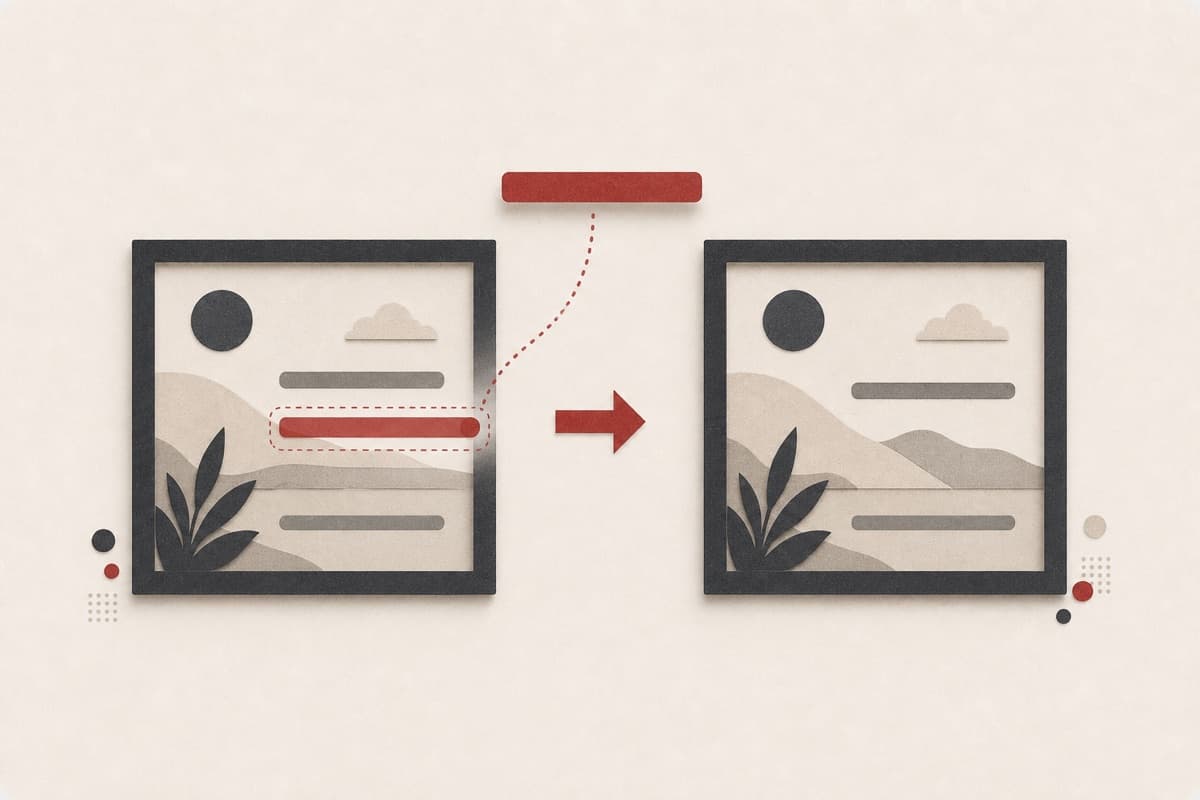
Timestamp burned into the only copy of the photo?
Point at the text, get it lifted off with the background rebuilt underneath — without retouching anything else in the frame.
How to use Text Remover
- 1
Choose an image you may alter
Select a private PNG, JPEG, or WebP that you own or may edit.
- 2
Identify the exact text area
Describe the words, color, and position while leaving ownership marks untouched.
- 3
Remove only the selected marks
Run the fixed local edit and keep unrelated scene content unchanged.
- 4
Check the reconstructed surface
Inspect lines, patterns, and edges beneath the former lettering before use.
Examples
Date stamp
Remove the orange date stamp in the bottom right corner.
The stamp is gone with the background rebuilt; the photo is otherwise untouched.
Use cases
Clean date stamps off old digital photos.
Strip outdated captions from images you made.
Remove pen marks from scanned documents you own.
Why use Text Remover?
Fixed service policy
Remove visible text selected by the user and reconstruct only the local background.
Private media storage
Successful images are saved to My Media.
Failure release
Reserved Credits are released when no usable image is saved.
Limits
FAQ
Will it remove a watermark from a stock image?
No. Removal of watermarks and ownership marks is refused by the fixed service rules regardless of how the request is phrased.
Can it erase a camera date stamp?
Yes, when you are permitted to edit the photo and identify the stamp's exact location.
Will fine patterns survive behind removed lettering?
The area is reconstructed locally, but intricate fabric, grids, and repeated textures always need close review.
What does Text Remover preserve?
The service is instructed to preserve the original region and unrelated scene content.
Can edit details replace the service rules?
No. User-supplied details remain subordinate to fixed safety and preservation rules.
Where is the edited image stored?
A successful image is stored privately in My Media for the signed-in account.
What happens when editing fails?
Reserved Credits are released when no usable image is saved.
Related tools
Start using Text Remover now
Remove visible text selected by the user and reconstruct only the local background.
Edit image