Photo Restoration
Repair scratches and fading without inventing new people or text.
Sign in required before running this tool.
No Credits are charged until you run the tool.
Describe the local change while the fixed service rules remain in force.
What is Photo Restoration?
Photo Restoration repairs scratches, tears, and fading on damaged photos without inventing new people, objects, or text. It reconstructs what damage obscured only where the surrounding evidence supports it, and leaves genuinely lost regions soft rather than fabricating detail.
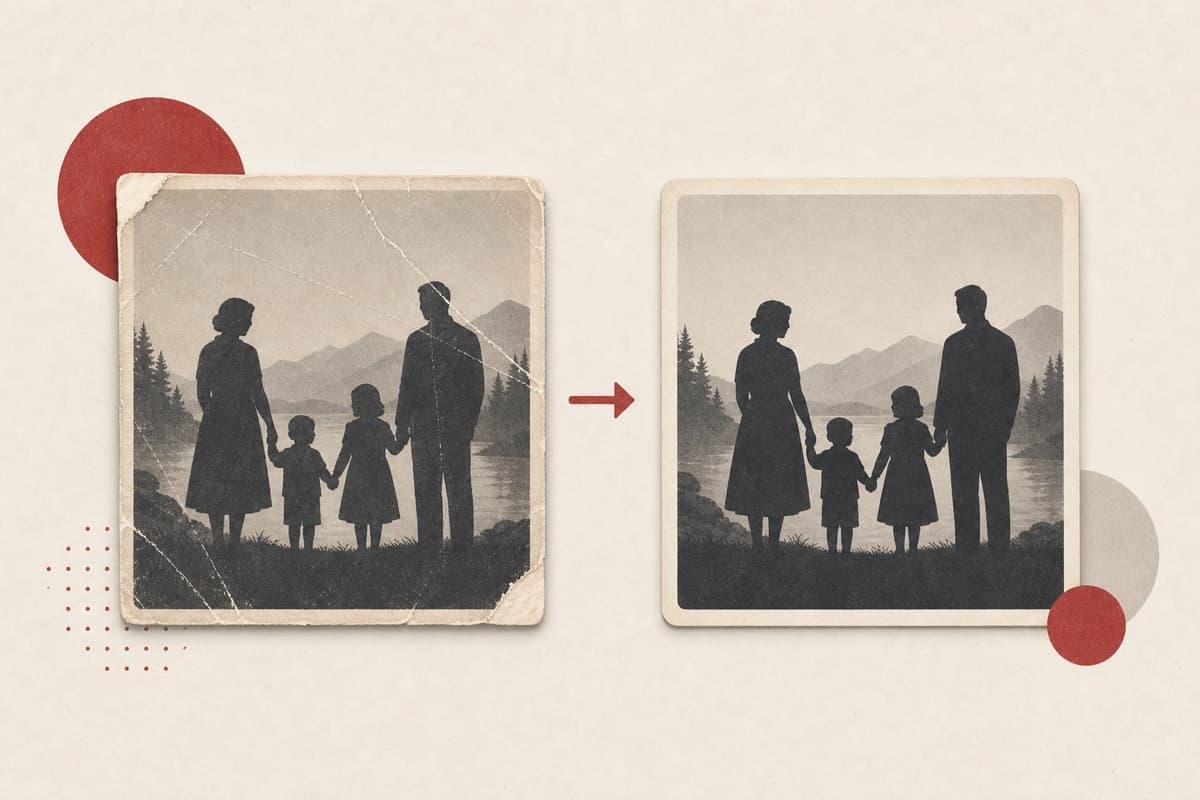
The only copy is creased and fading?
Repair what's recoverable and stop where evidence ends — a restoration you can trust because it refuses to invent.
How to use Photo Restoration
- 1
Scan the damaged photo clearly
Use even light, a straight angle, and enough resolution to show scratches and surviving detail.
- 2
Describe the damage zones
Point out creases, tears, fading, or dust while protecting faces and original content.
- 3
Repair from surrounding evidence
Run the conservative restoration without adding missing people, objects, or writing.
- 4
Compare repaired and original areas
Inspect faces, edges, and heavily lost regions before archiving the private result.
Examples
Creased print
Repair the crease across the sky and the scratches in the lower half.
Crease and scratches repaired; faces and details preserved as captured.
Use cases
Repair creases and scratches on treasured prints.
Restore contrast and tone lost to decades of light.
Prepare old photos for display and gifting.
Why use Photo Restoration?
Fixed service policy
Repair scratches and fading without inventing new people or text.
Private media storage
Successful images are saved to My Media.
Failure release
Reserved Credits are released when no usable image is saved.
Limits
FAQ
Can it restore a face that's mostly torn away?
No — it repairs from surviving evidence and will not fabricate a face or text that isn't recoverable. Heavily lost regions come back soft, not invented.
Which damage can it reasonably repair?
Scratches, dust, folds, fading, and small tears with surrounding evidence are better candidates than large missing regions.
Will it recreate missing writing?
No. Letters and words without enough surviving evidence remain unrecovered rather than being invented.
What does Photo Restoration preserve?
The service is instructed to preserve the original region and unrelated scene content.
Can edit details replace the service rules?
No. User-supplied details remain subordinate to fixed safety and preservation rules.
Where is the edited image stored?
A successful image is stored privately in My Media for the signed-in account.
What happens when editing fails?
Reserved Credits are released when no usable image is saved.
Related tools
Start using Photo Restoration now
Repair scratches and fading without inventing new people or text.
Edit image