Photo Colorizer
Colorize the photo conservatively and disclose that colors are estimated.
Sign in required before running this tool.
No Credits are charged until you run the tool.
Describe the local change while the fixed service rules remain in force.
What is Photo Colorizer?
Photo Colorizer adds conservative, plausible color to black-and-white photos. The colors are estimates — the tool discloses that, and so should you when sharing the result. It works best on well-scanned photos with clear detail, and it will not invent people or objects that are not in the original.
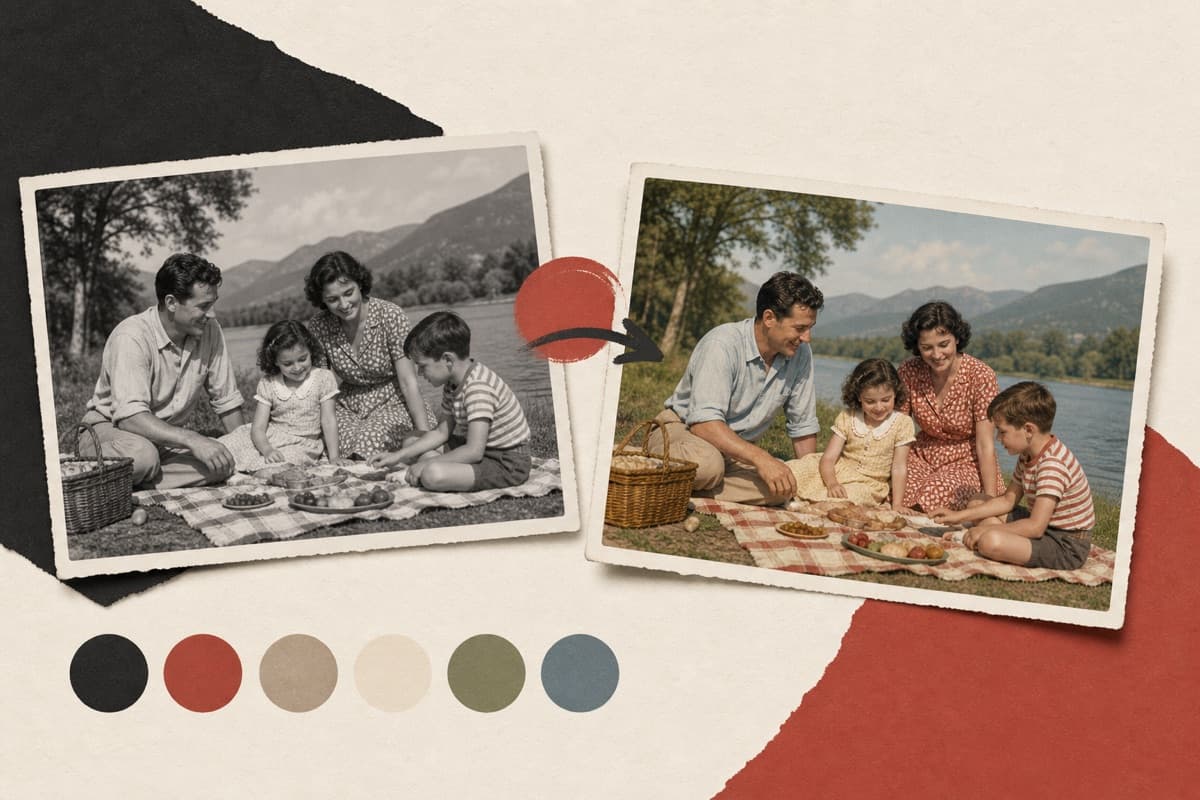
A shoebox of family memories in gray?
See old photos in plausible color while staying honest about what's estimated — the original stays untouched in your library.
How to use Photo Colorizer
- 1
Choose a clean monochrome scan
Select a permitted image with clear tonal detail and minimal glare.
- 2
Request conservative color
Mention known era or material clues without presenting uncertain colors as facts.
- 3
Create an estimated color version
Run the fixed edit while the original structure and people stay unchanged.
- 4
Label and compare the result
Review skin, clothing, and objects, then disclose that the colors are estimates.
Examples
Archive scan
Colorize this 1950s street scan conservatively.
A plausibly colored version with a note that colors are estimated.
Use cases
Colorized versions of inherited photographs.
Bring old town scans to life with disclosed estimates.
Warm color versions for services and albums.
Why use Photo Colorizer?
Fixed service policy
Colorize the photo conservatively and disclose that colors are estimated.
Private media storage
Successful images are saved to My Media.
Failure release
Reserved Credits are released when no usable image is saved.
Limits
FAQ
Are the colors historically accurate?
They are conservative estimates from visual context, not records. A dress that renders blue may have been green — the result says so, and captions should too.
Can I provide known color clues?
Yes. Mention documented clothing, vehicle, building, or material colors, while treating everything else as estimated.
Does colorization replace the original photo?
No. The service saves a new private PNG and leaves the selected source image unchanged.
What does Photo Colorizer preserve?
The service is instructed to preserve the original region and unrelated scene content.
Can edit details replace the service rules?
No. User-supplied details remain subordinate to fixed safety and preservation rules.
Where is the edited image stored?
A successful image is stored privately in My Media for the signed-in account.
What happens when editing fails?
Reserved Credits are released when no usable image is saved.
Related tools
Start using Photo Colorizer now
Colorize the photo conservatively and disclose that colors are estimated.
Edit image