Explore a Business Card Layout Concept from a Brand Brief
Turn a prompt-only brand brief into one standard-resolution private raster business card layout concept focused on composition, hierarchy, spacing, palette, and visual direction.
Sign in required before running this tool.
No Credits are charged until you run the tool.
Turn a prompt-only brand brief into one standard-resolution private raster business card layout concept focused on composition, hierarchy, spacing, palette, and visual direction.
What is Business Card Concept Generator?
Business Card Concept Generator explores how a brand, professional role, audience, and visual direction could work together on a card-sized composition. It concentrates on layout hierarchy, spacing, color direction, and motif placement rather than final typesetting. All generated text is placeholder material, and the concept is not press-ready or print-ready.

A brand direction is clear, but the card layout is still abstract
Translate positioning words into a visible hierarchy and spacing reference before rebuilding accurate copy and print specifications in professional software.
How to use Business Card Concept Generator
- 1
Frame the brand and professional role
Describe the organization, role, tone, and sector with generic wording rather than real private contact details.
- 2
Define audience and information hierarchy
Explain who should receive the card and which placeholder elements should feel primary, secondary, or supporting.
- 3
Set palette, spacing, and visual cues
Name a simple color direction, desired whitespace, alignment, and any original geometric or illustrative motif.
- 4
Generate and inspect the layout concept
Review the single private raster for composition, hierarchy, spacing, color balance, and obvious placeholder lettering.
- 5
Rebuild the direction in a professional layout tool
Set final text, fonts, sizes, dimensions, color configuration, bleed, and print checks in dedicated typesetting software.
Examples
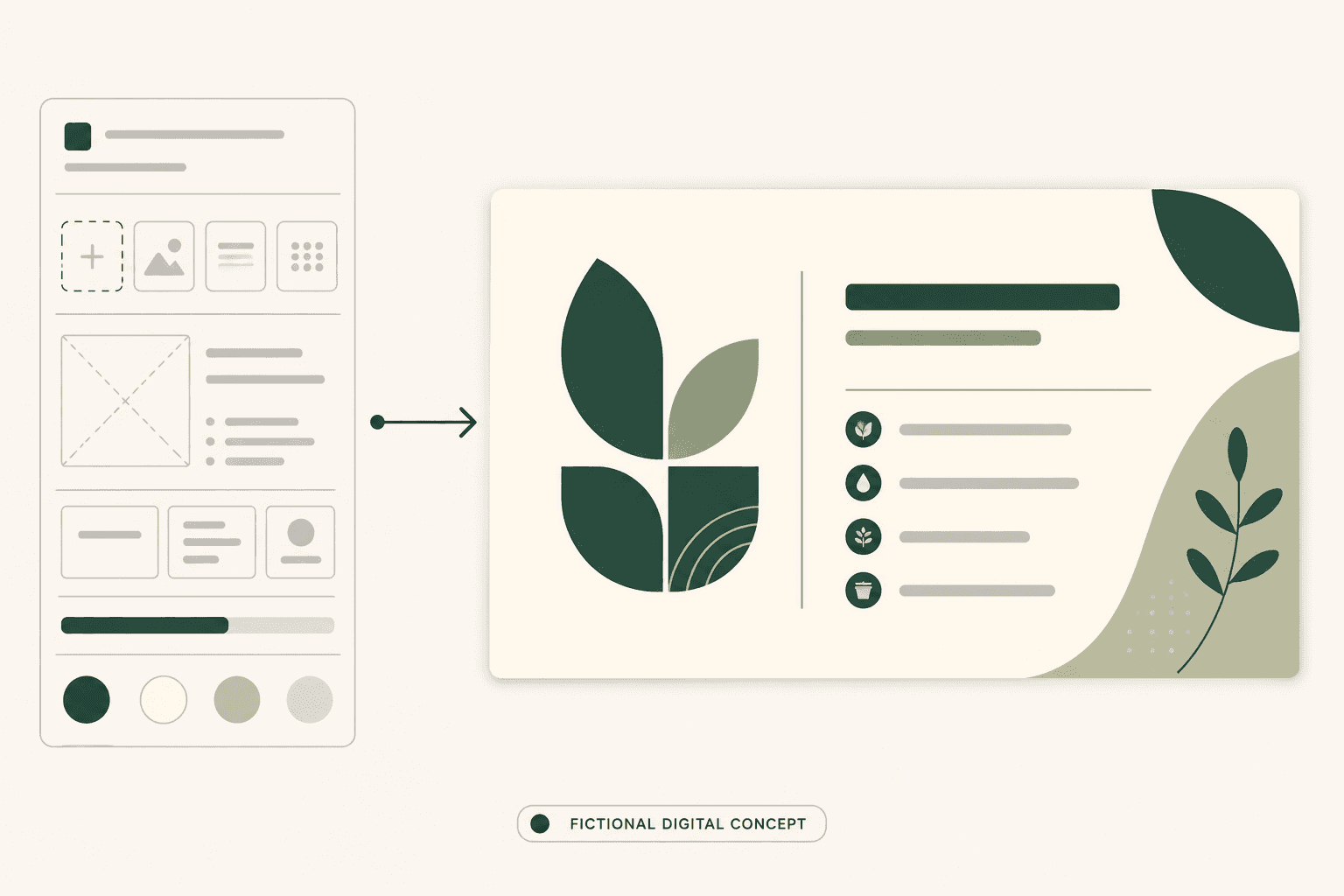
Independent consultant direction
Business card layout concept for an independent sustainability consultant, calm and credible, forest green and warm cream, generous whitespace, clear role hierarchy, subtle original leaf geometry, generic placeholder contact lines only.
One standard-resolution private raster concept showing a restrained hierarchy, spacing system, palette, and clearly provisional text blocks.
Use cases
Explore whether a restrained, expressive, or technical layout direction fits a new independent practice before commissioning final artwork.
Give clients a concrete hierarchy and palette concept to critique while all names and contact details remain placeholders.
Represent a proposed card direction in an internal event kit or presentation without presenting the raster as a production file.
Why use Business Card Concept Generator?
Brand-brief composition focus
The brief steers visual hierarchy, card balance, spacing, palette, and motif placement instead of requesting a generic graphic.
Role and audience hierarchy
The concept can emphasize the professional role and intended recipient while keeping every generated contact line visibly provisional.
Explicit placeholder lettering
The page treats names, phone numbers, email addresses, websites, and other generated lettering as placeholders, never verified copy.
Private concept provenance
A successful image is saved to My Media, where its generating tool and run association remain recorded as private generation provenance.
Limits
FAQ
What does the Business Card Concept Generator create?
It creates one visual business card layout concept from a written brand brief. The result explores composition, hierarchy, spacing, palette, and motif direction; it does not create verified contact copy or a finished production document.
Does it accept an existing logo or card image?
No. This is a prompt-only generation page with one Creative brief textarea from 4 to 2,000 characters. Describe an original brand direction in words and do not submit a source image through this workflow.
Will names, phone numbers, email addresses, and websites be accurate?
No. The concept does not guarantee accurate names, phone numbers, email addresses, websites, or other lettering. All generated text is placeholder material that must be replaced and proofread in the final layout.
Should I put real contact information in the brief?
No. Do not submit real private contact details in the Creative brief. Use generic labels such as name, role, phone, email, and website, then add authorized final information in your professional layout tool.
Is the generated concept press-ready or print-ready?
No. It is not press-ready, print-ready, or a production file. The raster does not provide verified dimensions, bleed, CMYK setup, crop marks, typography, color profile, or printer-specific checks.
Can I download a vector or editable layout file?
No. The tool does not output a vector, editable layout, PSD, Adobe Illustrator (AI), SVG, layered file, or editable text objects. Rebuild the chosen direction in dedicated design software.
What happens to a successful result?
One standard-resolution private raster concept is saved to My Media. The saved asset keeps its generating tool and run association as private generation provenance; no public gallery or shared production file is created.
How should I prepare the final card?
Use the concept only as visual direction. In a professional layout tool, enter exact approved text, choose licensed fonts, set final dimensions and bleed, configure color, add required printer marks, and proof every detail before production.
What happens if generation is refused, fails, or returns an empty result?
No usable saved image means the existing Credit release or refund policy applies. The page does not promise a timing, percentage, or manual handling process beyond that existing policy.
Related tools
Start using Business Card Concept Generator now
Turn a prompt-only brand brief into one standard-resolution private raster business card layout concept focused on composition, hierarchy, spacing, palette, and visual direction.
Generate Business Card Concept