Wallpaper Generator
Create an original wallpaper with a reviewed composition preset.
Sign in required before running this tool.
No Credits are charged until you run the tool.
Describe the wallpaper you want to create.
What is Wallpaper Generator?
Wallpaper Generator creates original 16:9 desktop backgrounds from a scene or style brief — calm gradients, landscapes, abstract geometry, whatever your screen should feel like. Ask for compositions that keep the area behind icons and widgets quiet, and review the returned dimensions at full display size.
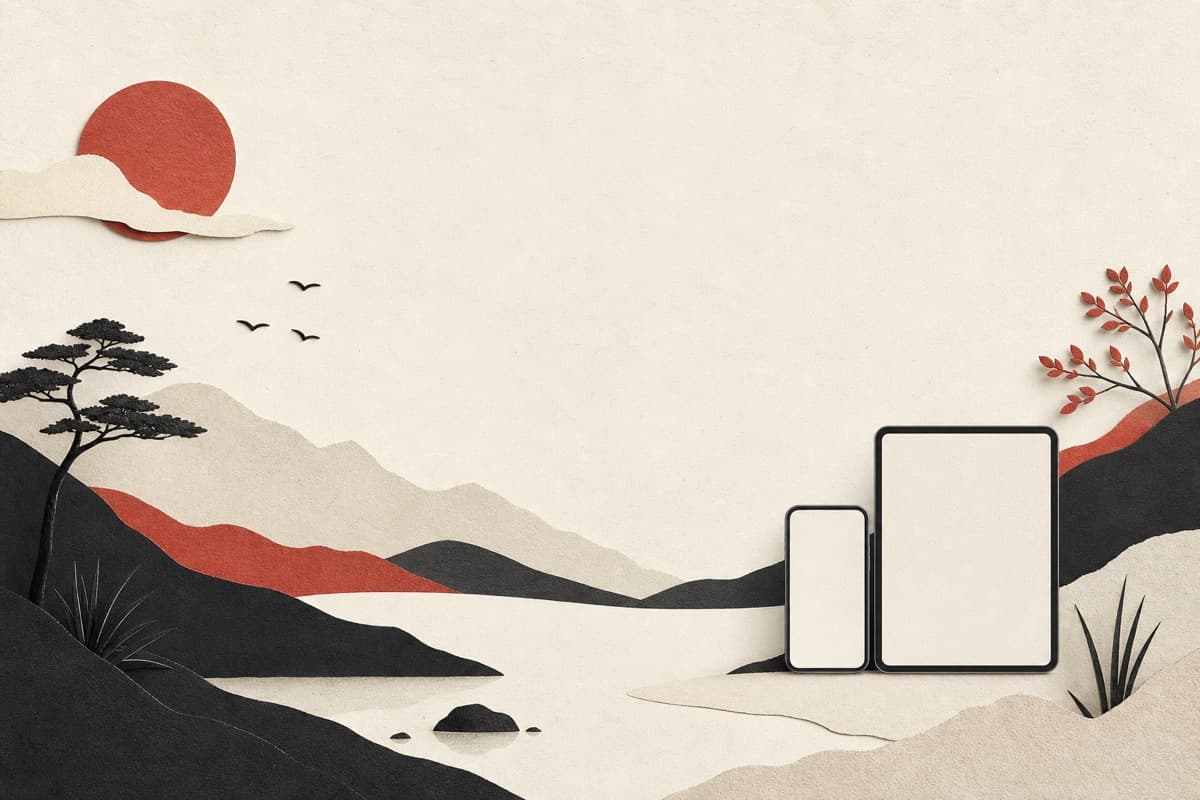
Same default wallpaper since the laptop arrived?
Describe the exact mood you want to stare at all day and get a background made for it — with icon areas kept visually calm.
How to use Wallpaper Generator
- 1
Describe scene and mood
The setting or pattern, its palette, and how busy it may be.
- 2
Reserve calm space for icons
Say which areas should stay low-detail behind shortcuts and widgets.
- 3
Confirm landscape delivery
Keep the 16:9 ratio and review the returned dimensions on the target display.
- 4
Inspect at full screen
Check sharpness, crop, and icon readability on the target display.
Examples
Desktop wallpaper
A minimal mountain ridge at dawn in muted blues, lots of calm sky, desktop wallpaper.
A 16:9 JPEG with a quiet ridge line and icon-friendly sky.
Use cases
16:9 scenes matched to your setup's palette.
Quiet backgrounds that don't fight the slide content.
Backgrounds for waiting and intermission screens.
Why use Wallpaper Generator?
Desktop-native 16:9 canvas
The landscape default fits common laptop and monitor displays.
Icon-aware negative space
The scene brief can keep working areas visually quiet.
Full-size review
Review the private image at full size on dense desktop panels.
Limits
FAQ
Will it look sharp on a 4K monitor?
Review the returned dimensions and fine detail at full size on the target display before setting it.
Can I get a matching phone version?
This tool currently offers square 1:1 and landscape 16:9 images. A portrait phone version is not available.
Can I choose where desktop icons remain visible?
Yes. Describe the side or corner that should stay calm, then verify the final crop against your actual icon layout.
Where are generated images stored?
Signed-in generation writes completed image bytes to private storage.
What happens when generation fails?
A confirmed no-result failure releases reserved Credits. If the outcome cannot be confirmed, the run stays in reconciliation rather than being reported as free.
Related tools
Start using Wallpaper Generator now
Create an original wallpaper with a reviewed composition preset.
Generate wallpaper