Handwriting Reader
Transcribe legible handwriting and mark uncertain spans.
Sign in required before running this tool.
No Credits are charged until you run the tool.
Choose a PNG, JPEG, or WebP image from your device or My Media.
What is Handwriting Reader?
Handwriting Reader transcribes legible handwriting from notes, letters, and journals, marking every span it cannot read with confidence instead of inventing words. Clear, well-lit writing transcribes best; cursive and faint pencil will produce more uncertain spans for you to fill in.
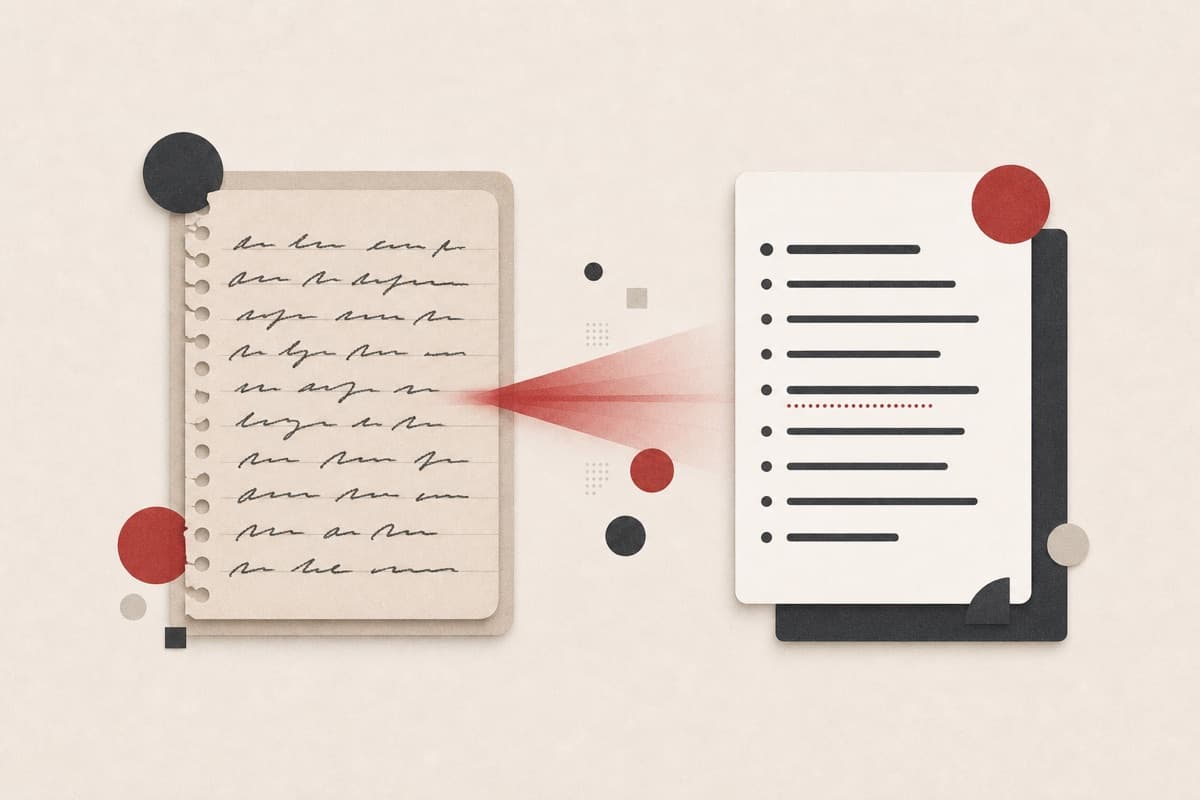
A notebook of ideas trapped on paper?
Photograph the pages and get searchable text with honest gaps — filling in ten unclear words beats retyping ten pages.
How to use Handwriting Reader
- 1
Photograph the page evenly
Use diffuse light, strong contrast, and a straight-on angle without hand shadows.
- 2
Crop to the writing
Keep the complete lines visible while removing distracting surroundings.
- 3
Transcribe the legible marks
Run the handwriting task and wait for text with uncertain spans identified.
- 4
Restore ambiguous words
Compare every marked gap with the paper and correct names or specialist terms.
Examples
Example image
A well-lit page of handwritten meeting notes.
Legible lines are transcribed while unclear spans stay explicitly uncertain.
Use cases
Handwritten pages become searchable text.
Digitize personal writing for safekeeping.
Move paper observations into your records.
Why use Handwriting Reader?
Handwriting-aware transcription
The task is tuned for notes, letters, journals, and field pages.
Honest unreadable spans
Faint or ambiguous marks remain explicit instead of becoming invented words.
Private source access
The provider receives a short-lived signed address.
Limits
FAQ
How does it handle words it cannot read?
They are explicitly marked as uncertain spans rather than replaced with guesses, so you can restore them from the original page.
Does it work with cursive handwriting?
It can read clear cursive, but joined letters and personal shorthand usually create more uncertain spans.
How should I photograph faint pencil notes?
Use even light, maximize contrast without glare, and fill the frame with one straight page at a time.
Is the source image public?
No. Access uses a short-lived signed address for the selected private media object.
Which file formats are accepted?
The controlled beta accepts PNG, JPEG, and WebP images up to 20 MB.
Related tools
Start using Handwriting Reader now
Transcribe legible handwriting and mark uncertain spans.
Analyze image