Create a Simple Raster Clipart Concept from a Written Brief
Turn an original written brief into one standard-resolution private raster clipart-style concept with a readable outline, flat shapes, limited detail, and a simple palette.
Sign in required before running this tool.
No Credits are charged until you run the tool.
Turn an original written brief into one standard-resolution private raster clipart-style concept with a readable outline, flat shapes, limited detail, and a simple palette.
What is Clipart Generator?
Clipart Generator creates a simplified raster concept from text, emphasizing a readable silhouette, flat color shapes, restrained detail, and an uncomplicated composition. It does not copy protected brands, protected characters, protected mascots, or protected icons. It does not guarantee a transparent background or an alpha channel.
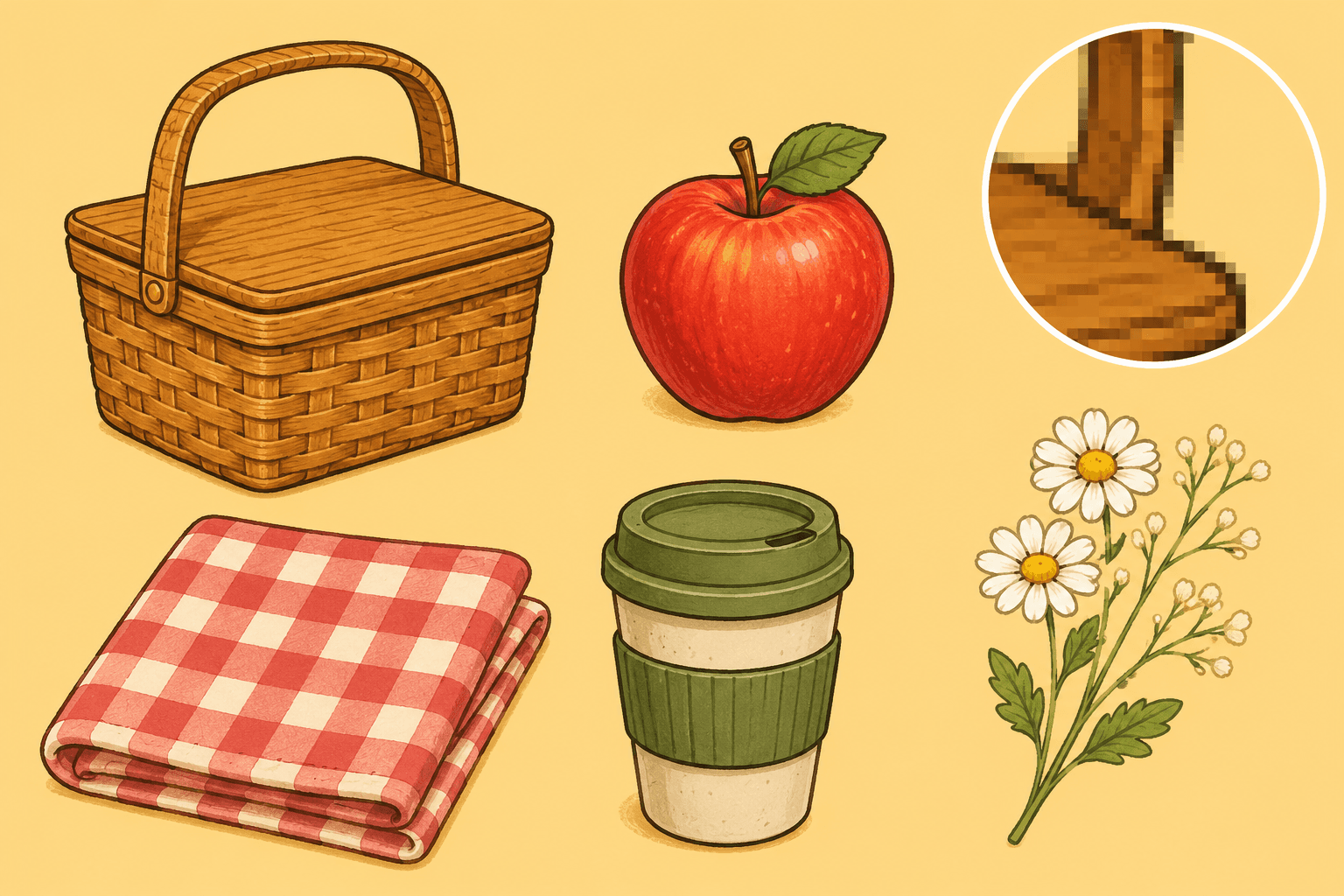
The supporting visual needs to be simple, specific, and easy to read
Convert an original object or compact-scene idea into a focused clipart direction without implying vector editability, transparency, or finished asset cleanup.
How to use Clipart Generator
- 1
Describe one original subject
Choose a recognizable object, creature, or compact scene that you invented; do not name a protected brand or character.
- 2
Define silhouette and flat shapes
Explain the viewing angle, dominant outline, major shape groups, and which details should remain large enough to read quickly.
- 3
Set a limited palette and background
Request a small set of flat colors and a simple contrasting background without assuming that transparency will be available.
- 4
Generate and inspect the raster concept
Review the single private image for silhouette clarity, edge artifacts, color separation, unwanted detail, and background treatment.
- 5
Finish the asset in a dedicated workflow
Use a separate background-removal workflow for isolation, or redraw and clean the concept in appropriate design software when production precision is needed.
Examples
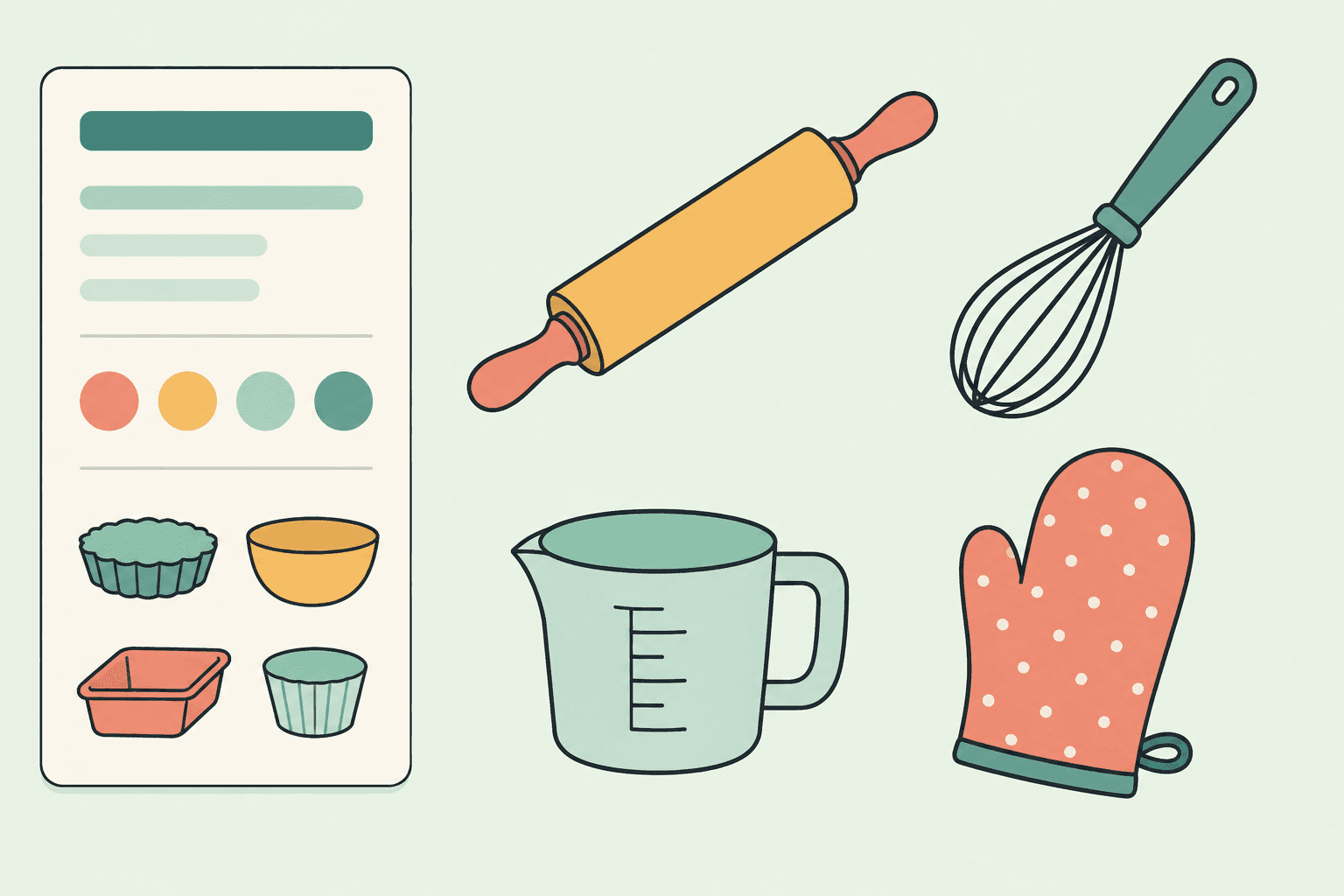
Baking-tool set
Exactly four original baking-tool clipart objects—a rolling pin, whisk, measuring cup, and oven mitt—with clean outlines, broad flat shapes, a limited palette, restrained detail, and one visibly opaque pale background.
One standard-resolution private raster clipart set containing exactly four distinct baking objects on an opaque background, with no transparency or vector-format claim.
Use cases
Draft an original supporting object or compact scene for a slide, then refine it outside the generator if exact branding or placement is required.
Create a simple original motif for a worksheet draft while keeping the first result clearly separate from a finished publishing asset.
Give a designer a concrete silhouette, flat-shape, and palette direction to redraw with the required edge, format, and licensing checks.
Why use Clipart Generator?
Readable silhouette emphasis
The preset prioritizes a clear outer contour and recognizable major shapes instead of a crowded or highly textured illustration.
Flat shapes and simple color
A limited palette, broad color regions, restrained detail, and straightforward composition keep the concept visually compact.
Original-subject policy boundary
The tool does not reproduce protected brands, protected characters, protected mascots, or protected icons from the brief.
Private clipart provenance
A successful raster is saved to My Media with its generating tool and run association recorded as private generation provenance.
Limits
FAQ
What does the Clipart Generator create?
It creates one clipart-style raster concept from an original written brief. The preset focuses on a readable outline, flat shapes, limited detail, a simple palette, and a compact composition rather than a complex scene.
Does it accept an image upload?
No. This is a prompt-only page with one Creative brief textarea from 4 to 2,000 characters. Describe the original subject, silhouette, flat shapes, palette, and background treatment in words.
Can it copy a brand, character, mascot, or icon?
No. The tool does not copy protected brands, protected characters, protected mascots, or protected icons. Use an original subject and generic visual vocabulary rather than recognizable protected material.
Will the result have a transparent background?
No guarantee is made. The tool does not guarantee a transparent background or an alpha channel. Request a simple contrasting background, then use a separate background-removal workflow when isolation is required.
Does it provide SVG or editable vector paths?
No. It does not output SVG, editable vector, editable paths, layered files, or editable shape objects. The delivered result is one standard-resolution private raster clipart concept.
Will I receive several coordinated assets or an asset pack?
No. The workflow does not create an asset pack, variant set, icon family, or layered bundle. Each run returns one result, so related assets require separate briefs and manual consistency review.
Is the edge cleanup production-ready?
No. The generator does not guarantee production-ready edge cleanup. Inspect halos, jagged contours, small gaps, color spill, and unwanted background details before using the image downstream.
Where is a successful clipart concept stored?
One standard-resolution private raster clipart concept is saved to My Media. Its generating tool and run association remain recorded as private generation provenance, without creating a public gallery item.
What happens if generation is refused, fails technically, or returns an empty result?
When no usable image is saved, the existing Credit release or refund policy applies. The page does not invent a refund duration, percentage, manual approval, or support workflow.
Related tools
Start using Clipart Generator now
Turn an original written brief into one standard-resolution private raster clipart-style concept with a readable outline, flat shapes, limited detail, and a simple palette.
Generate Clipart