Generate an Original Coloring Page Scene from a Written Brief
Use a prompt-only Creative brief to generate one original coloring-page scene with clear outlines, open areas, age-appropriate complexity, and a standard-resolution private raster result.
Sign in required before running this tool.
No Credits are charged until you run the tool.
Use a prompt-only Creative brief to generate one original coloring-page scene with clear outlines, open areas, age-appropriate complexity, and a standard-resolution private raster result.
What is Coloring Page Generator?
Coloring Page Generator creates a new scene from words alone, with attention to clear outlines, open regions, subject separation, complexity, and age suitability. It does not accept an image upload. It is not a photo conversion, not a photo tracing, and not a line-drawing conversion.
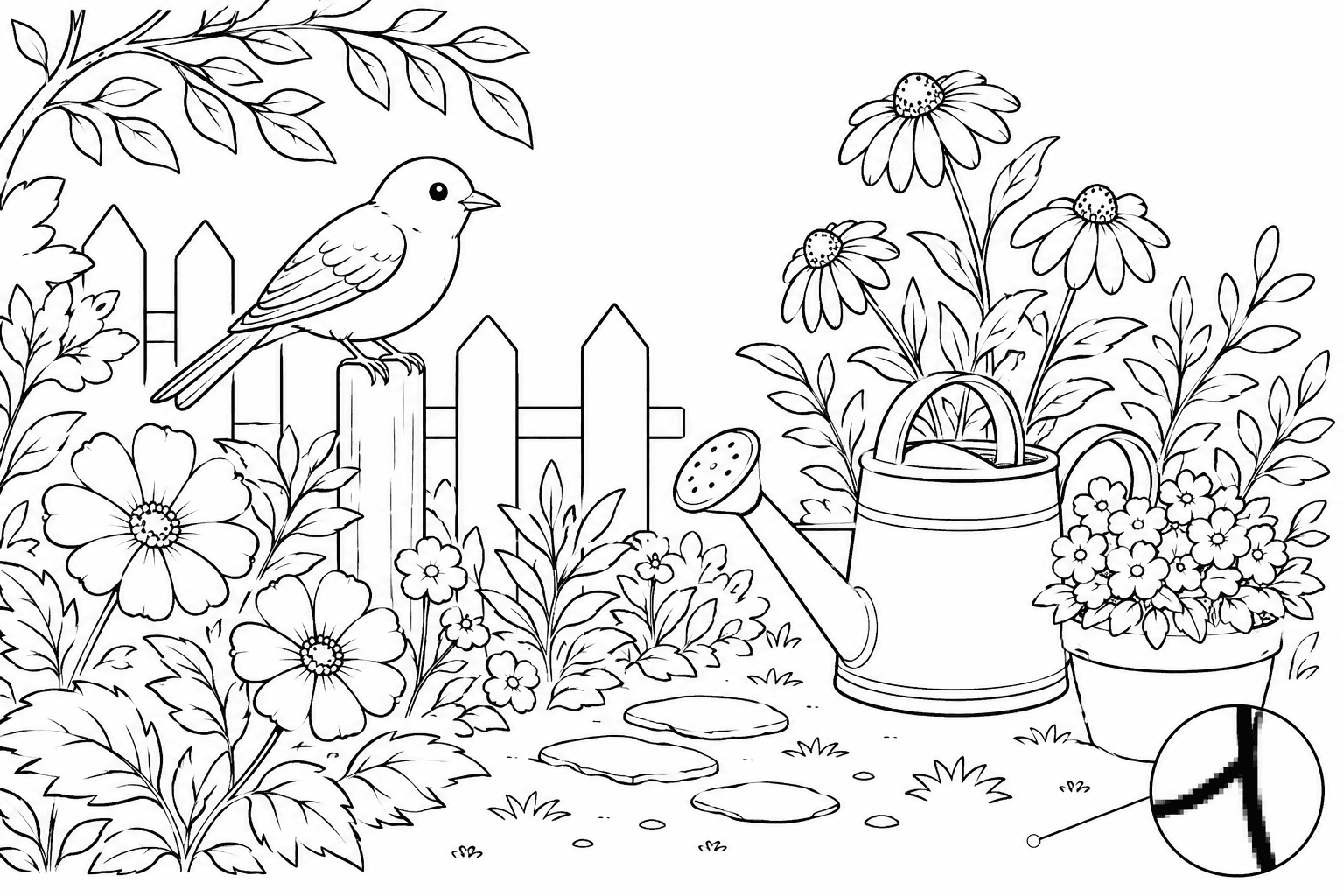
The activity theme is ready, but the page structure is not
Turn an original scene idea into a reviewable outline concept while controlling open space and complexity for a specific age group.
How to use Coloring Page Generator
- 1
Write an original scene brief
Describe original subjects, setting, and action without naming protected characters or copying a specific published work.
- 2
Choose age and complexity
State the intended age range and whether the scene needs very large regions, moderate detail, or a denser hobby-level challenge.
- 3
Request clear outlines and open areas
Ask for readable contours, separated subjects, generous coloring regions, minimal shading, and no unnecessary text.
- 4
Generate the private coloring concept
Create one standard-resolution raster scene, then inspect whether the composition and detail level match the brief.
- 5
Review and repair before use
Review broken lines or gaps, tangencies, small areas, overall complexity, and age suitability before printing or sharing the activity.
Examples
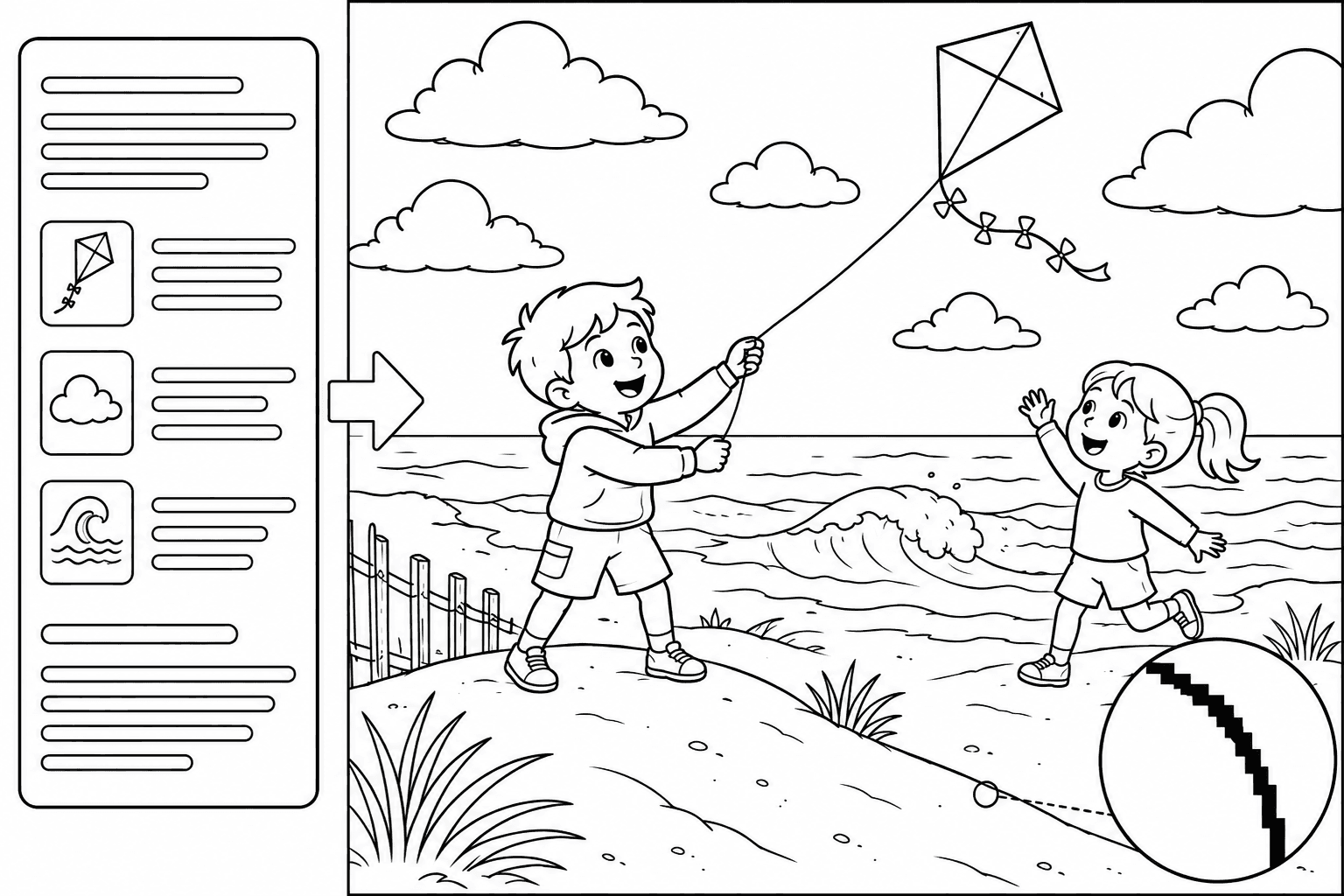
Seaside kite activity
Original seaside kite coloring-page scene for ages five to seven: two simplified fictional children, bold black raster contours, broad open fill areas, simple separated shapes, minimal interior detail, no shading, text, or protected characters.
One standard-resolution private raster coloring-page concept with an original seaside scene, broad open regions, beginner-level complexity, and visible pixel edges for review.
Use cases
Draft an original scene around a lesson, season, or classroom theme, then check the result for the learners' age and motor skills.
Create a private activity concept around a child's current interest without uploading a personal photo or copying a protected character.
Use a simple outline scene as a manual redrawing or composition exercise, and do not treat the first raster as a publication file.
Why use Coloring Page Generator?
Text-only original scene generation
The prompt-only workflow starts from an original written brief and does not accept a photo or other source image.
Coloring-aware line structure
The fixed preset emphasizes clear outlines, open regions, readable subject separation, restrained shading, and useful negative space.
Complexity and age guidance
The brief can describe age-appropriate complexity, but the user must still inspect small regions and practical suitability.
Private coloring-page provenance
A successful raster is saved to My Media with its generating tool and run association recorded as private generation provenance.
Limits
FAQ
What does the Coloring Page Generator make?
It generates one original coloring-page scene from a written brief. The preset focuses on clear outlines, open areas, readable subject separation, limited shading, and a complexity level that you describe for the intended audience.
Can I upload a photo or drawing?
No. This is a prompt-only page with one Creative brief textarea from 4 to 2,000 characters, and it does not accept an image upload. Start with an original scene described in words.
Is this a photo conversion or tracing tool?
No. It is not a photo conversion, not a photo tracing, and not a line-drawing conversion. Use a dedicated authorized photo workflow when the task starts from an existing image.
Can it reproduce a protected character or a specific coloring book page?
No. The tool does not copy protected characters or specific protected works. Describe original subjects, generic themes, and your own scene arrangement instead of requesting recognizable copied material.
Does it guarantee completely closed shapes and perfect lines?
No. It does not guarantee completely closed shapes, zero-defect lines, or the absence of tangencies. Review broken lines or gaps, touching contours, tiny regions, and unintended marks before practical use.
How do I choose an age-appropriate complexity?
State the intended age range, desired region size, number of subjects, and amount of detail in the brief. After generation, review small areas, visual crowding, line clarity, and age suitability yourself.
Is the result directly printable or publication-ready?
No. The first raster is not directly printable, not a production-ready worksheet, and not a publication file. Check margins, line defects, page dimensions, age fit, and any local production requirements before use.
Does it provide an SVG or editable vector?
No. The tool does not output an SVG, editable vector, editable paths, or layered worksheet. It returns one standard-resolution private raster coloring-page concept.
Where is the successful image stored, and what if no image is produced?
A successful result is saved privately to My Media with private generation provenance. If generation is refused, fails technically, or returns an empty result, no usable saved image means the existing Credit release or refund policy applies.
Related tools
Start using Coloring Page Generator now
Use a prompt-only Creative brief to generate one original coloring-page scene with clear outlines, open areas, age-appropriate complexity, and a standard-resolution private raster result.
Generate Coloring Page