Sticker Generator
Create an original sticker with a reviewed composition preset.
Sign in required before running this tool.
No Credits are charged until you run the tool.
Describe the sticker you want to create.
What is Sticker Generator?
Sticker Generator produces clean die-cut style sticker art on a plain background — bold outlines, readable shapes, and colors that survive small sizes. Describe the subject and style, and get PNG concepts ready to evaluate for print sheets, laptop lids, and chat packs.
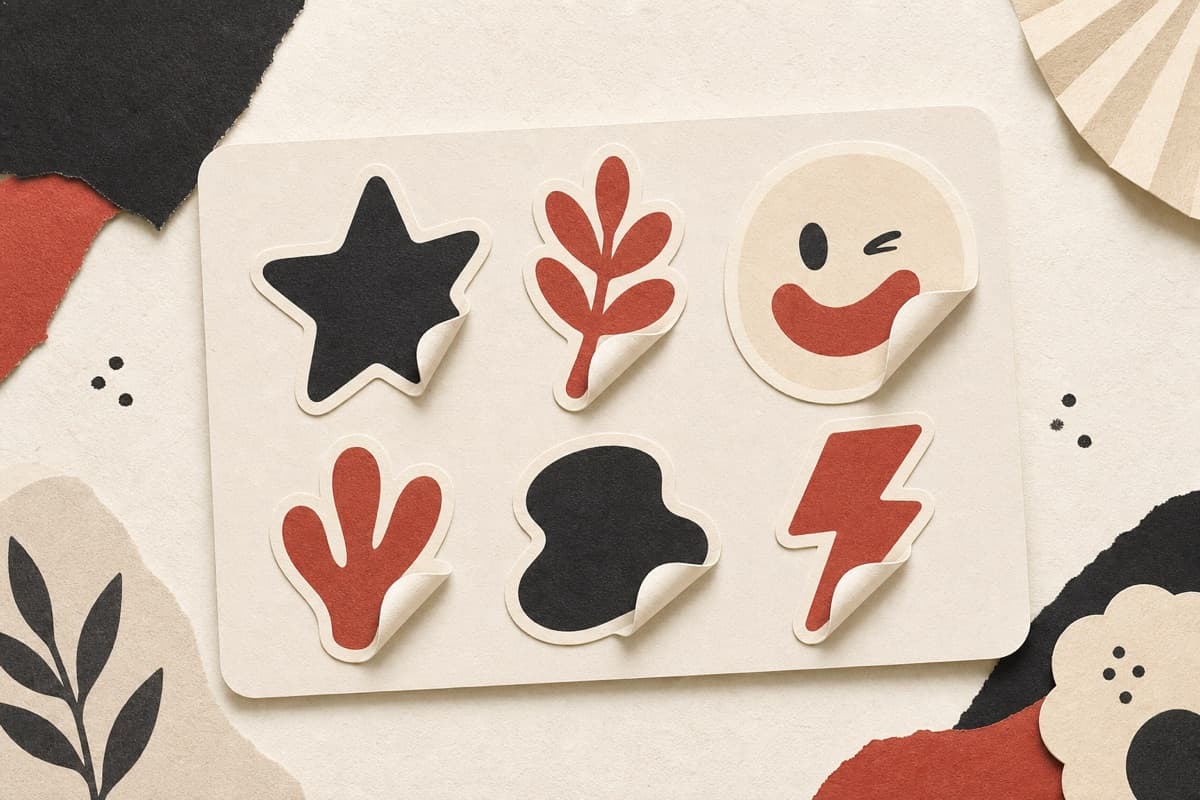
Sticker ideas that die at two inches wide?
Get die-cut friendly art with bold silhouettes from the start — instead of shrinking an illustration and losing everything that made it work.
How to use Sticker Generator
- 1
Name subject and style
What the sticker shows and the line style it should use.
- 2
Request a bold isolated silhouette
Specify thick outlines, simple shapes, and a plain surrounding area.
- 3
Confirm square PNG settings
Review the available aspect ratio and format before generating one private sticker image.
- 4
Prepare the production cut path
Test the design at final size and let the print service derive the cut line.
Examples
Sticker design
A die-cut sticker of a grumpy cactus in a tiny pot, thick outlines, flat colors.
A bold-outline cactus sticker concept on a plain background.
Use cases
Sets with a consistent style for markets and merch.
Laptop-lid marks for teams, clubs, and conferences.
Expressive characters sized for messaging apps.
Why use Sticker Generator?
Die-cut friendly silhouette
Bold contours keep the subject readable on small physical stickers.
Square PNG concept delivery
The default format supports easy review for sheets and chat packs.
Set-consistency guidance
Repeated style wording helps multiple subjects read as one family.
Limits
FAQ
Do results come with a cut line?
Results are flat PNG art in die-cut style. Your print service generates the actual cut path from the silhouette.
Can I keep a consistent style across a set?
Reuse the same style wording in each brief and vary only the subject — the set will read as a family.
Is the background automatically transparent?
Not necessarily. Ask for a plain isolated background and remove it during print preparation if your chosen file still includes one.
Where are generated images stored?
Signed-in generation writes completed image bytes to private storage.
What happens when generation fails?
A confirmed no-result failure releases reserved Credits. If the outcome cannot be confirmed, the run stays in reconciliation rather than being reported as free.
Related tools
Start using Sticker Generator now
Create an original sticker with a reviewed composition preset.
Generate sticker