Image to Text
Extract visible writing from a private image.
Sign in required before running this tool.
No Credits are charged until you run the tool.
Choose a PNG, JPEG, or WebP image from your device or My Media.
What is Image to Text?
Image to Text reads the visible writing in a photo or scan — receipts, signs, labels, printed pages — and returns it as editable text in reading order with a confidence estimate. It works from your private media through a short-lived signed address, and it flags what it could not read instead of guessing.
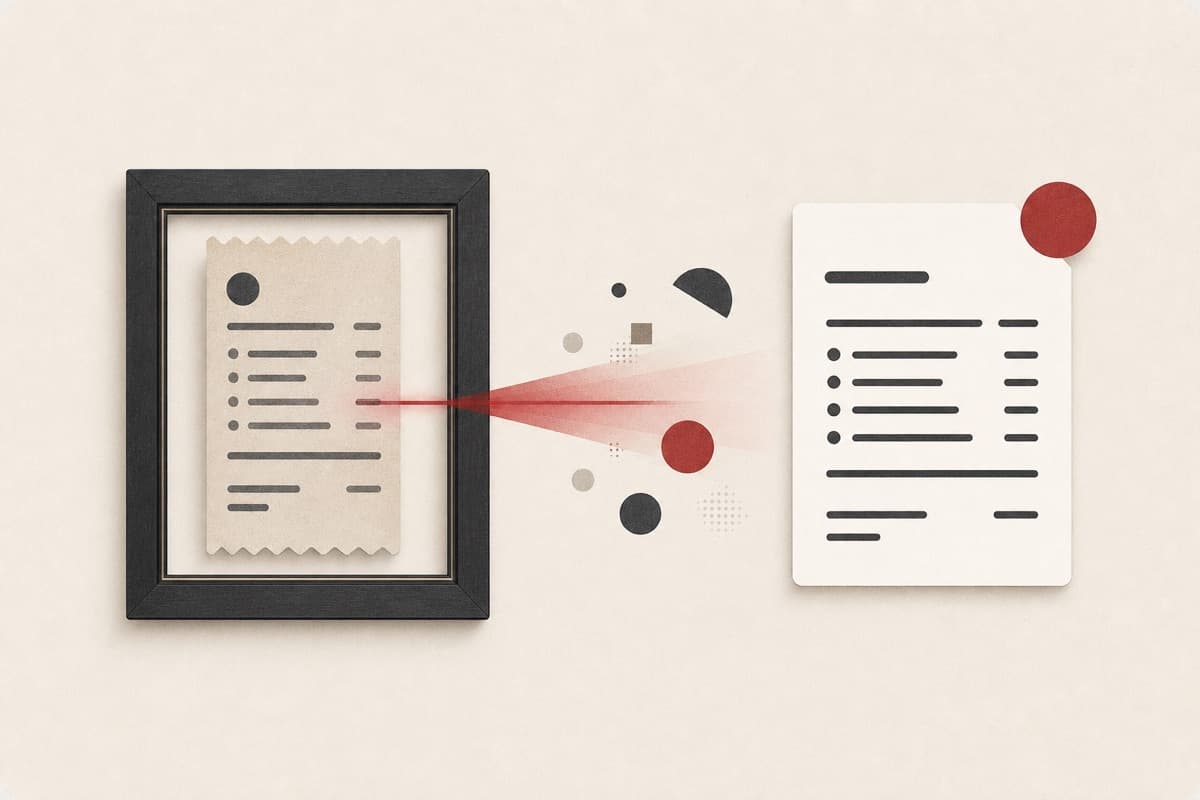
Retyping a receipt line by line?
Photograph it once and get the text out in seconds, with unclear spans marked so you know exactly which characters to double-check.
How to use Image to Text
- 1
Choose a sharp source
Use a straight, well-lit photo where the writing fills the frame.
- 2
Check the supported file
Select a private PNG, JPEG, or WebP image no larger than 20 MB.
- 3
Extract the visible writing
Start the fixed reading task and wait for the editable text result.
- 4
Verify uncertain characters
Compare names, totals, and reference codes with the source before reuse.
Examples
Example image
A clear photograph of a printed receipt.
Detected lines are returned in reading order with a confidence estimate.
Use cases
Pull totals and line items into editable text.
Capture printed information from photos on the go.
Recover text from documents that only exist on paper.
Why use Image to Text?
Reading-order extraction
Visible lines are returned in their most likely reading sequence.
Unclear spans exposed
Low-confidence characters stay marked for manual checking.
Private source access
The provider receives a short-lived signed address.
Limits
FAQ
How is this different from a scanner app?
It reads text from any photo you already have — no scanning workflow — and reports a confidence estimate instead of silently guessing unclear characters.
Will it preserve columns and tables exactly?
It prioritizes readable text in likely reading order. Rebuild complex table layout after checking the source image.
Can I trust receipt totals and serial codes?
Treat them as transcription candidates and verify every consequential number or code against the original image.
Is the source image public?
No. Access uses a short-lived signed address for the selected private media object.
Which file formats are accepted?
The controlled beta accepts PNG, JPEG, and WebP images up to 20 MB.
Related tools
Start using Image to Text now
Extract visible writing from a private image.
Analyze image