Image Extender
Extend the canvas while preserving the complete original region.
Sign in required before running this tool.
No Credits are charged until you run the tool.
Describe the local change while the fixed service rules remain in force.
What is Image Extender?
Image Extender grows the canvas beyond the original frame — more sky above, more room beside the subject — while keeping the complete original region untouched. The new area continues the scene plausibly, which is exactly why you should check it before publishing: extended content is generated, not captured.
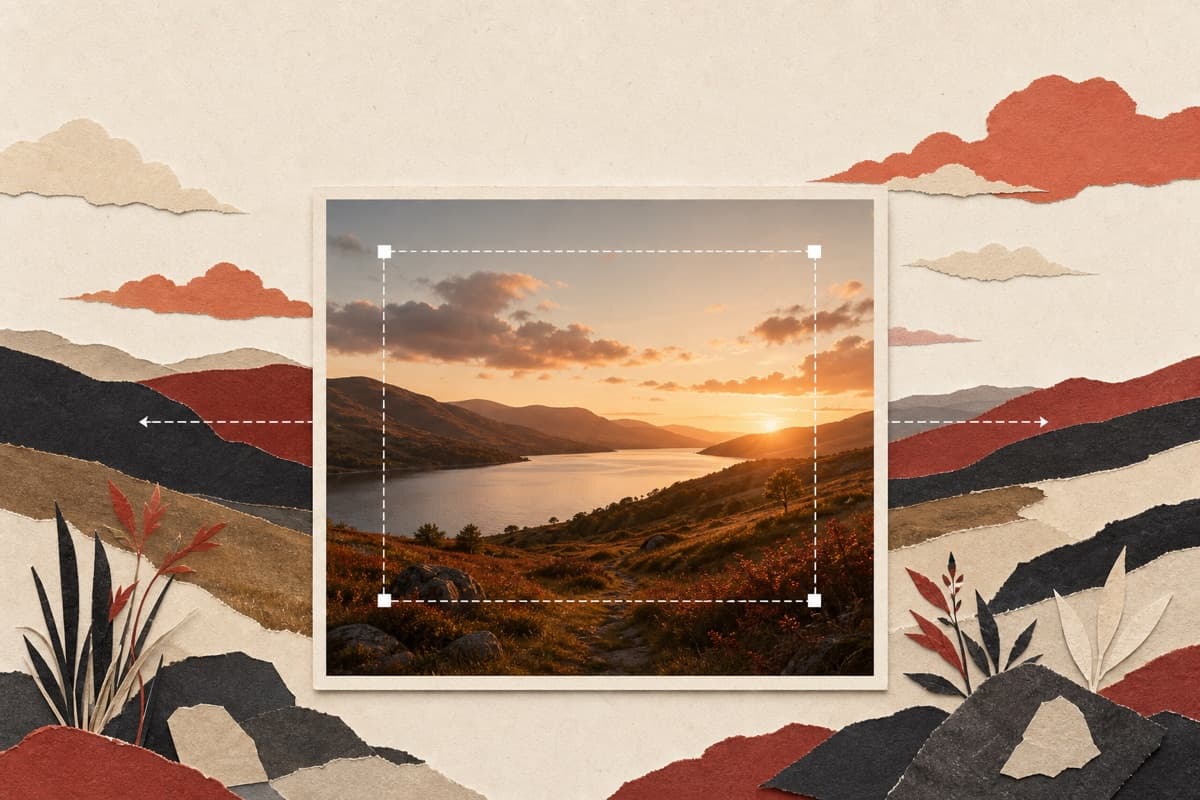
Shot in the wrong aspect ratio?
Extend the frame to fit the banner, cover, or crop you actually need — the original pixels stay exactly where they were.
How to use Image Extender
- 1
Choose the source composition
Select a permitted image whose complete original area must remain intact.
- 2
State direction and target shape
Say whether to extend above, below, left, or right and name the intended aspect ratio.
- 3
Generate only the new margins
Run the canvas edit while preserving every part of the original region.
- 4
Inspect generated boundaries
Check repeated objects, horizons, perspective, and seams before publishing.
Examples
Header extension
Extend this square photo to 16:9, continuing the field and sky.
A wide version with the original square intact and margins continued.
Use cases
Turn a square shot into a wide header.
Add canvas to fit standard frame ratios.
Give a tight crop space around the subject.
Why use Image Extender?
Fixed service policy
Extend the canvas while preserving the complete original region.
Private media storage
Successful images are saved to My Media.
Failure release
Reserved Credits are released when no usable image is saved.
Limits
FAQ
Is the extended area real photo content?
No — it's a plausible continuation of the scene. The original region is preserved verbatim; treat the new margins as generated content and review them.
How do I specify where the canvas should grow?
Name the direction or sides explicitly and include the target ratio or intended placement.
Will the original crop change?
The original region is instructed to remain intact; inspect its boundary and placement in the saved image.
What does Image Extender preserve?
The service is instructed to preserve the original region and unrelated scene content.
Can edit details replace the service rules?
No. User-supplied details remain subordinate to fixed safety and preservation rules.
Where is the edited image stored?
A successful image is stored privately in My Media for the signed-in account.
What happens when editing fails?
Reserved Credits are released when no usable image is saved.
Related tools
Start using Image Extender now
Extend the canvas while preserving the complete original region.
Edit image