Cartoonizer
Convert the image into a generic cartoon style.
Sign in required before running this tool.
No Credits are charged until you run the tool.
Describe the local change while the fixed service rules remain in force.
What is Cartoonizer?
Cartoonizer converts a photo into a generic cartoon rendering — simplified shapes, clean lines, flat color — while keeping the subject recognizable. It uses a neutral cartoon style rather than any franchise's look, which keeps the result safe to share and print.
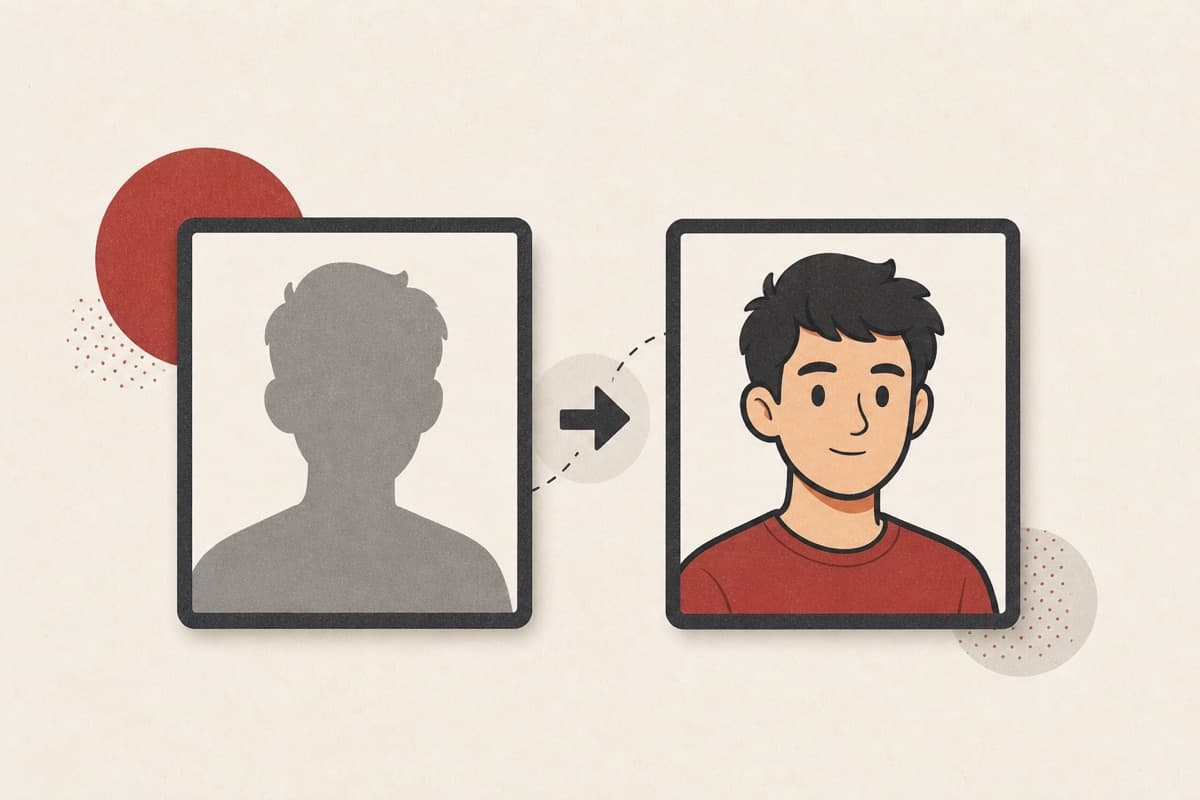
Want a cartoon avatar without commissioning one?
Turn a photo you own into a clean cartoon rendering in one pass — no style borrowed from someone's IP.
How to use Cartoonizer
- 1
Pick a well-defined subject
Use a permitted photo with clear lighting and an uncluttered silhouette.
- 2
Describe generic cartoon traits
Choose line weight, shape simplicity, and color mood without naming a franchise.
- 3
Create the cartoon version
Run the fixed transformation while keeping the subject recognizable.
- 4
Review recognizable features
Compare expression, markings, and proportions before sharing or printing.
Examples
Avatar
Cartoonize this portrait with clean lines and flat warm colors.
A recognizable cartoon rendering of the portrait in a neutral style.
Use cases
Cartoon profile pictures from your own photos.
Cartoon versions of favorite family shots.
A pet photo turned into a playful illustration.
Why use Cartoonizer?
Fixed service policy
Convert the image into a generic cartoon style.
Private media storage
Successful images are saved to My Media.
Failure release
Reserved Credits are released when no usable image is saved.
Limits
FAQ
Can it match a famous animation studio's style?
No. It renders a generic cartoon style by design, which avoids imitating protected franchise looks.
Can I cartoonize a pet photo?
Yes. A sharp photo with visible markings and a clean outline gives the edit more traits to preserve.
Will a face remain recognizable?
The transformation aims to preserve recognizable features, but compare the saved result carefully with the authorized source.
What does Cartoonizer preserve?
The service preserves unrelated content while applying the bounded transformation.
Can edit details replace the service rules?
No. User-supplied details remain subordinate to fixed safety and preservation rules.
Where is the edited image stored?
A successful image is stored privately in My Media for the signed-in account.
What happens when editing fails?
Reserved Credits are released when no usable image is saved.
Related tools
Start using Cartoonizer now
Convert the image into a generic cartoon style.
Edit image