Image Color Analyzer
Describe dominant colors and their visual relationships.
Sign in required before running this tool.
No Credits are charged until you run the tool.
Choose a PNG, JPEG, or WebP image from your device or My Media.
What is Image Color Analyzer?
Image Color Analyzer describes the dominant colors in an image and how they relate — contrast, temperature, and distribution — in plain language you can act on. Use it to pull a palette from a photo, check brand consistency, or reason about why a composition feels the way it does.
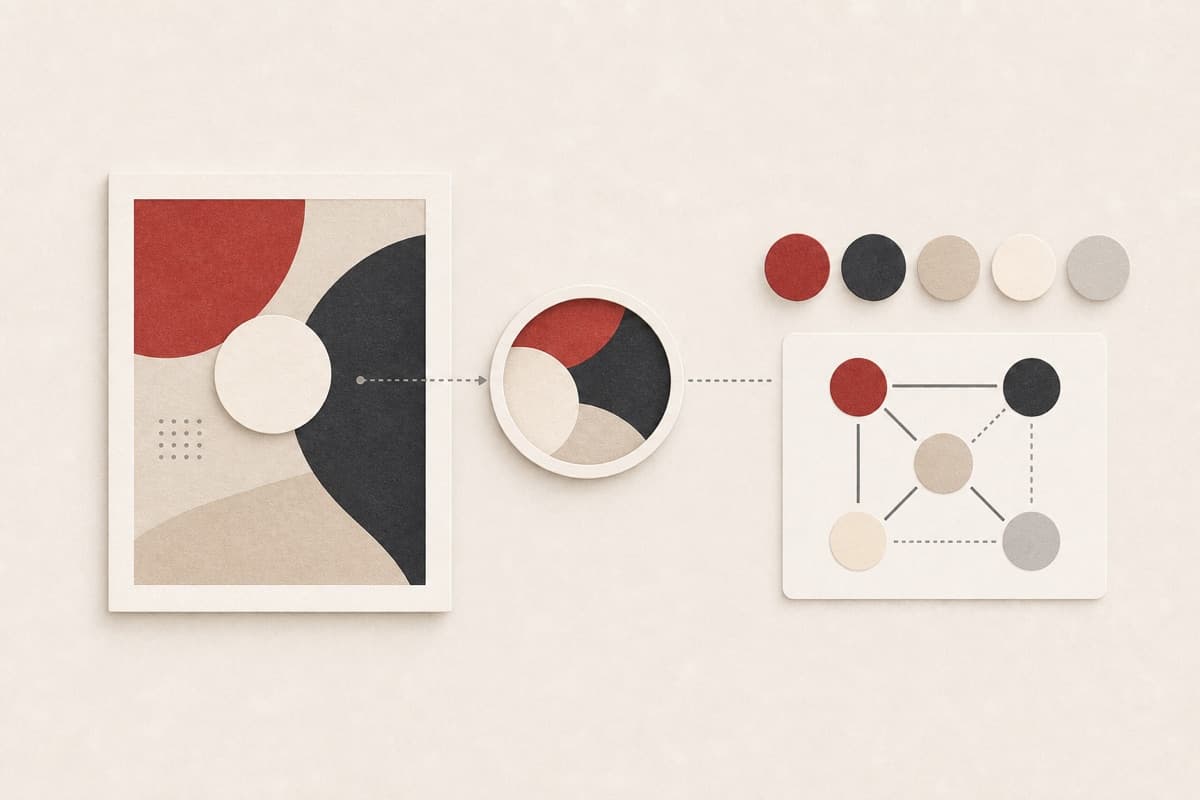
Love the photo's palette, can't articulate it?
Get the dominant hues and their relationships described in words you can hand to a designer — or use to rebuild the palette yourself.
How to use Image Color Analyzer
- 1
Choose a color-faithful image
Use an unfiltered file with the important palette visible and minimal glare.
- 2
Check display-sensitive details
Remember that compression and screen settings can shift apparent color.
- 3
Analyze palette relationships
Run the fixed task for dominant hues, temperature, contrast, and harmony.
- 4
Translate findings into swatches
Use the descriptions as direction, then sample exact production colors separately.
Examples
Example image
A product photograph on a colored background.
Dominant hues and contrast relationships are described in plain language.
Use cases
Turn an inspiring photo into a described color scheme.
Verify imagery stays within the brand's color world.
Articulate why an image feels warm, tense, or flat.
Why use Image Color Analyzer?
Dominant-palette language
Major hues and their relative visual weight are described in practical terms.
Contrast and temperature reading
Warmth, coolness, harmony, and tension are explained together.
Private source access
The provider receives a short-lived signed address.
Limits
FAQ
Does it return exact hex color codes?
It describes colors and relationships in plain language. On-screen colors vary with compression and display, so treat any code-level values as approximate.
Can it tell whether a palette meets accessibility contrast rules?
No. Use exact sampled colors in a dedicated contrast checker for accessibility decisions.
Will filters affect the analysis?
Yes. Filters, compression, camera color correction, and display capture can all shift the colors that appear in the image.
Is the source image public?
No. Access uses a short-lived signed address for the selected private media object.
Which file formats are accepted?
The controlled beta accepts PNG, JPEG, and WebP images up to 20 MB.
Related tools
Start using Image Color Analyzer now
Describe dominant colors and their visual relationships.
Analyze image