Photo to Oil Painting
Apply a generic oil-painting medium treatment to one authorized photo without copying a living artist.
Sign in required before running this tool.
No Credits are charged until you run the tool.
Optionally describe broad brush texture, palette, and finish using generic medium language only.
What is Photo to Oil Painting?
Photo to Oil Painting introduces generic brush texture, paint-like blending, and broad tonal rendering while preserving subject identity, pose, proportions, composition, text, and ownership marks. Named living-artist imitation is outside the policy.
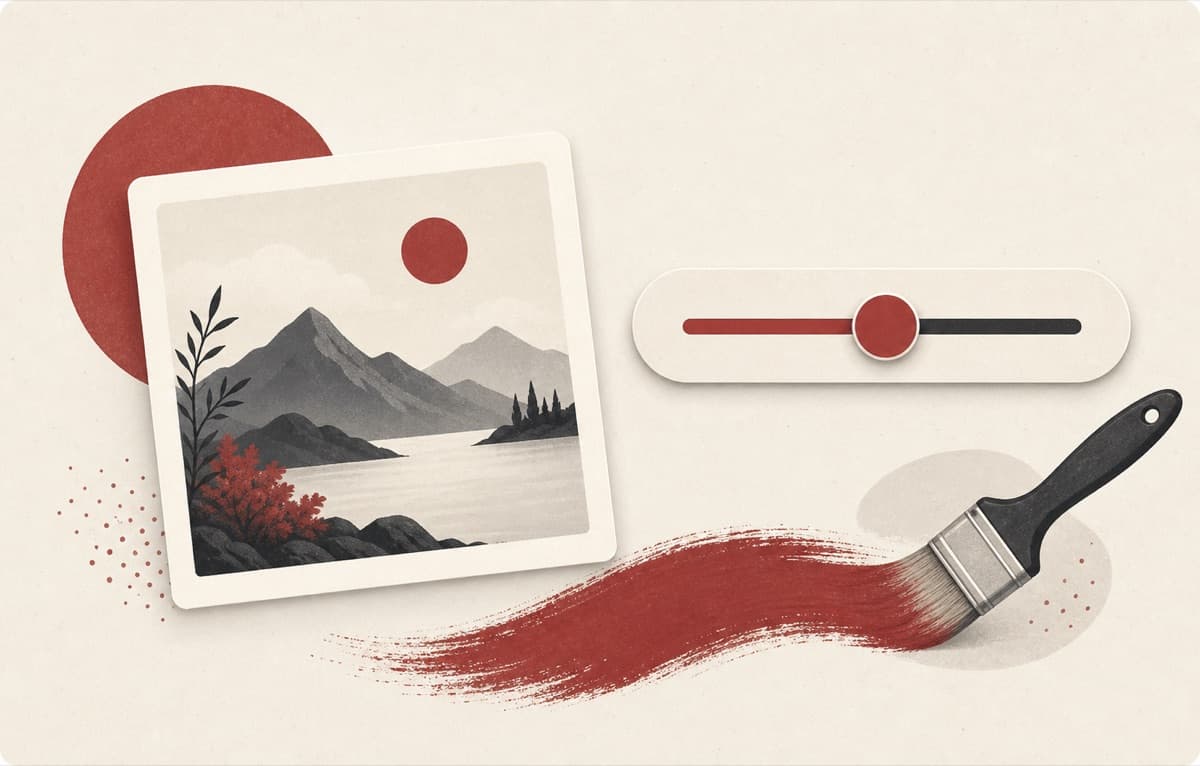
Want to explore an oil-painted medium without copying a creator?
Create a generic raster interpretation that keeps the source subject and composition recognizable.
How to use Photo to Oil Painting
- 1
Choose one authorized source
Select one private PNG, JPEG, or WebP you are allowed to edit.
- 2
Add optional task details
Optionally describe broad brush texture, palette, and finish using generic medium language only.
- 3
Run the bounded edit
The server-owned policy remains authoritative before provider execution.
- 4
Inspect the private raster
Review preservation and edges before download, reuse, or deletion.
Examples
Landscape study
Use broad impasto-like texture and a warm natural palette; preserve the exact horizon and buildings.
One private generic oil-painting raster with the landscape composition preserved.
Use cases
Explore a medium before commissioning artwork.
Test generic painted texture on owned photos.
Compare broad brush and palette treatments.
Why use Photo to Oil Painting?
Bounded change
Brush texture, paint-like edge treatment, color blending, and broad tonal rendering may change.
Explicit preservation
Preserve subject identity, pose, proportions, composition, scene objects, text, and ownership marks.
Private recoverable result
Successful output is saved with source lineage in My Media.
Limits
FAQ
What may Photo to Oil Painting change?
Brush texture, paint-like edge treatment, color blending, and broad tonal rendering may change.
What must remain unchanged?
Preserve subject identity, pose, proportions, composition, scene objects, text, and ownership marks.
Can task details override the fixed policy?
No. User details remain subordinate to preservation, safety, IP, identity, and output rules.
Where is the result stored?
The completed raster is saved privately to the signed-in account's My Media.
What happens if the edit fails or is refused?
No usable saved result means the existing Credit release or refund policy applies.
Related tools
Start using Photo to Oil Painting now
Apply a generic oil-painting medium treatment to one authorized photo without copying a living artist.
Run Photo to Oil Painting